
Try car wash booking software with no credit card
Online appointment making and prepayment of orders, a wide range of service packages, employment status of robotic and manual bays. Cash and warehouse accounting within the framework of the work carried out. Calculation of employees' salaries.
Online booking form
Your own form for client bookings on the site and on social networks. New customers can always sign up for the company's services 24/7
Without waiting on the line
Connection to social network/site
Client's personal account
Ready-made design options
Online payment for services
Advance or full payment by card, Mono, Liqpay or MasterPass. Usage fee is calculated for each individual payment.
Wayforpay
Mono
Visa/Mastercard
Privat24/Liqpay
Masterpass
Stripe

Warehouse control
Tracking consumables through technological maps. Full picture of balances by inventory and document flow. Making orders connected with records.
View more details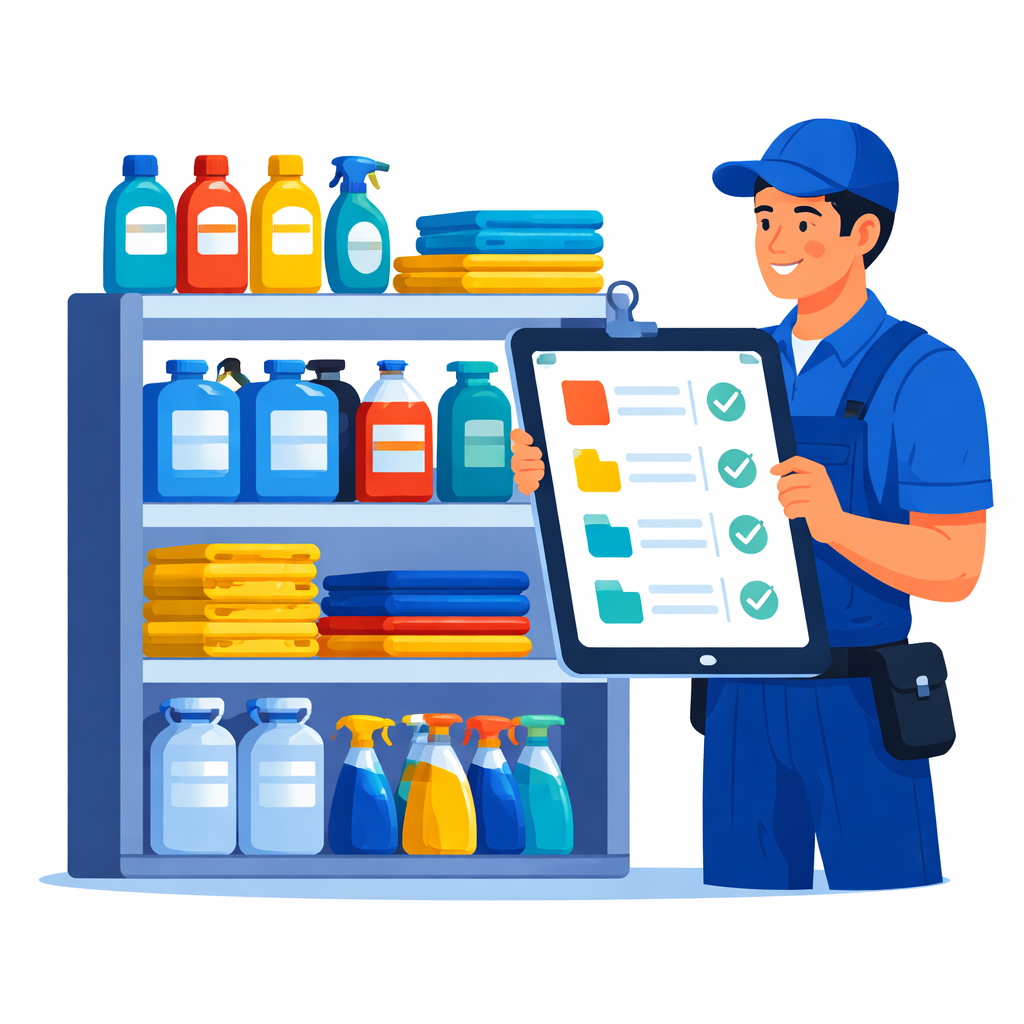
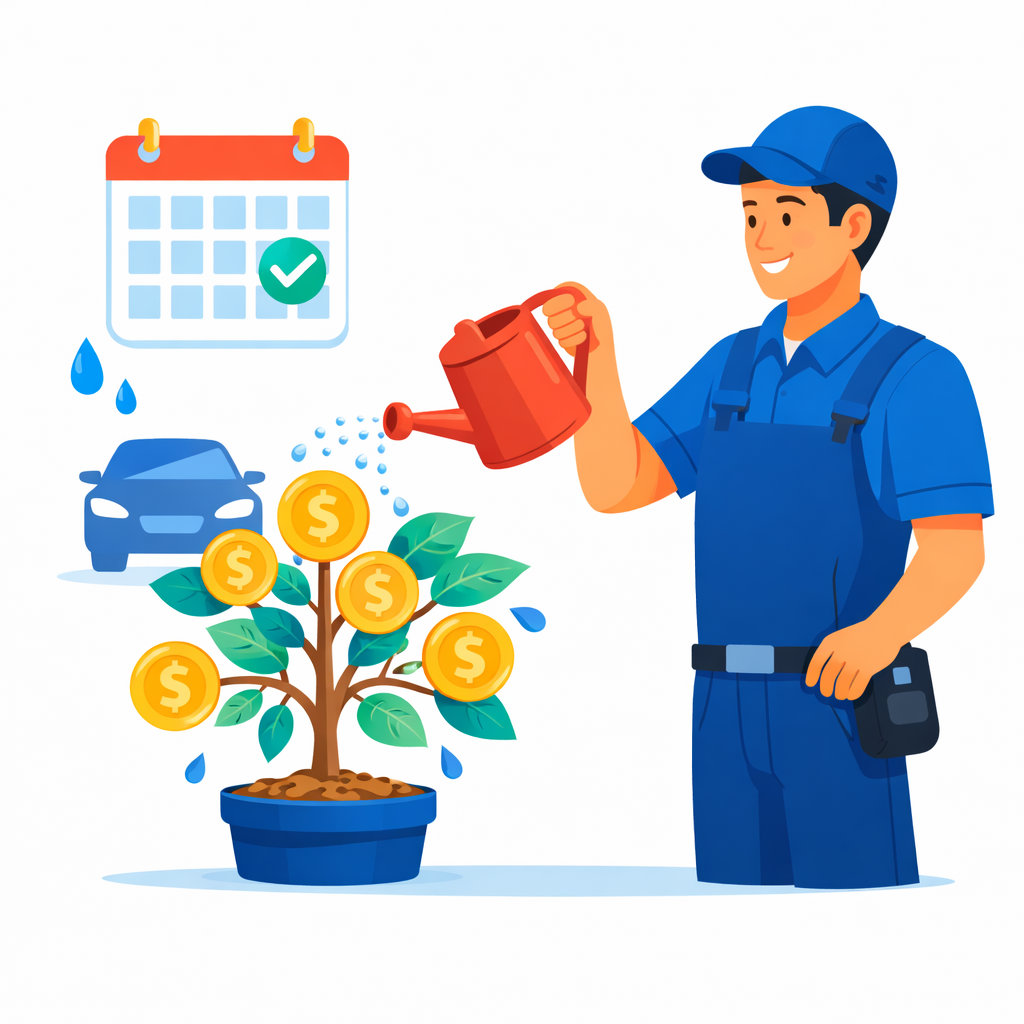
Salary
An excellent and simple method to track the payment of wages to employees according to the selected period
Fines/Premiums
Payments for different periods
Percentage or rate
Flexible permissions
Manage user groups. Bind access rights to fields and entities in the admin part and the employee interface
View more details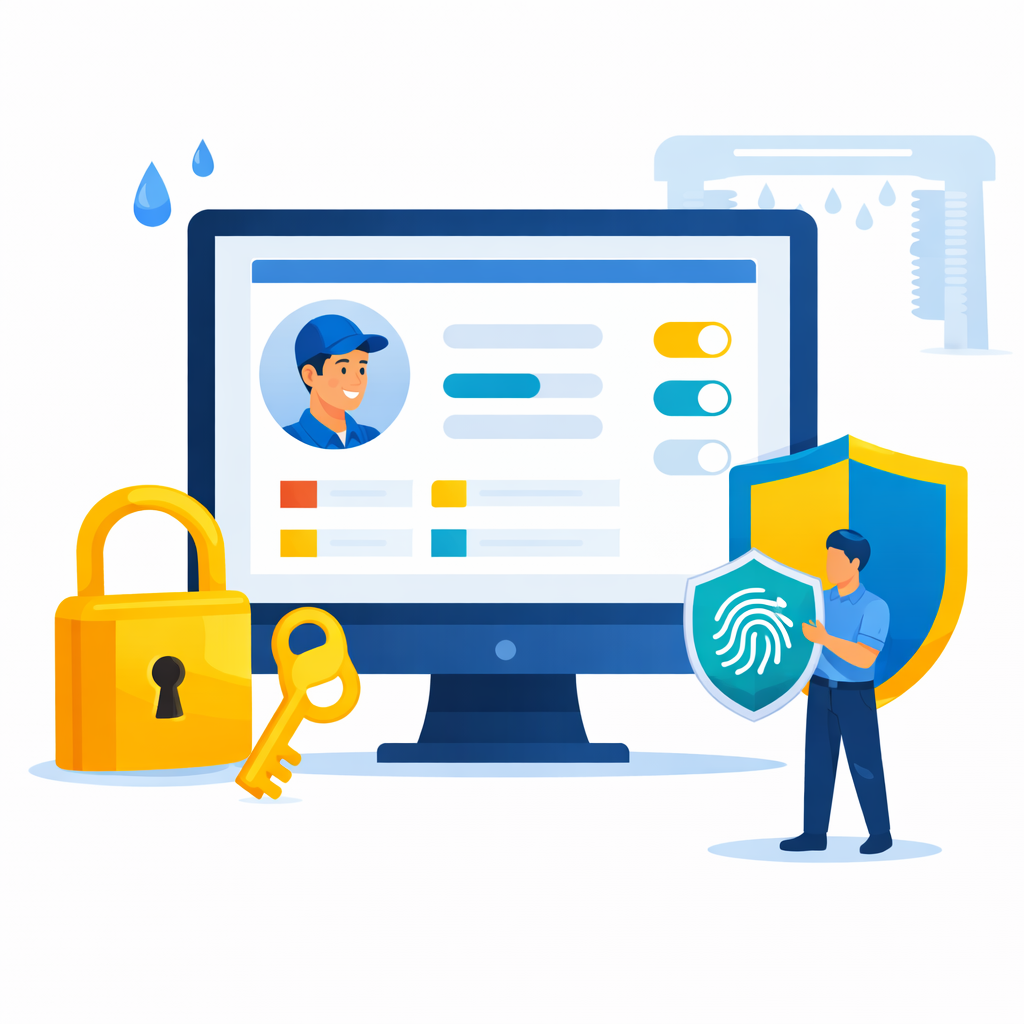
Undesirable appointments blocking
Setting up the restrictions to prevent aggressive competition and unscrupulous customers. Automate adding to a blacklist or blocking an online appointment.
View more details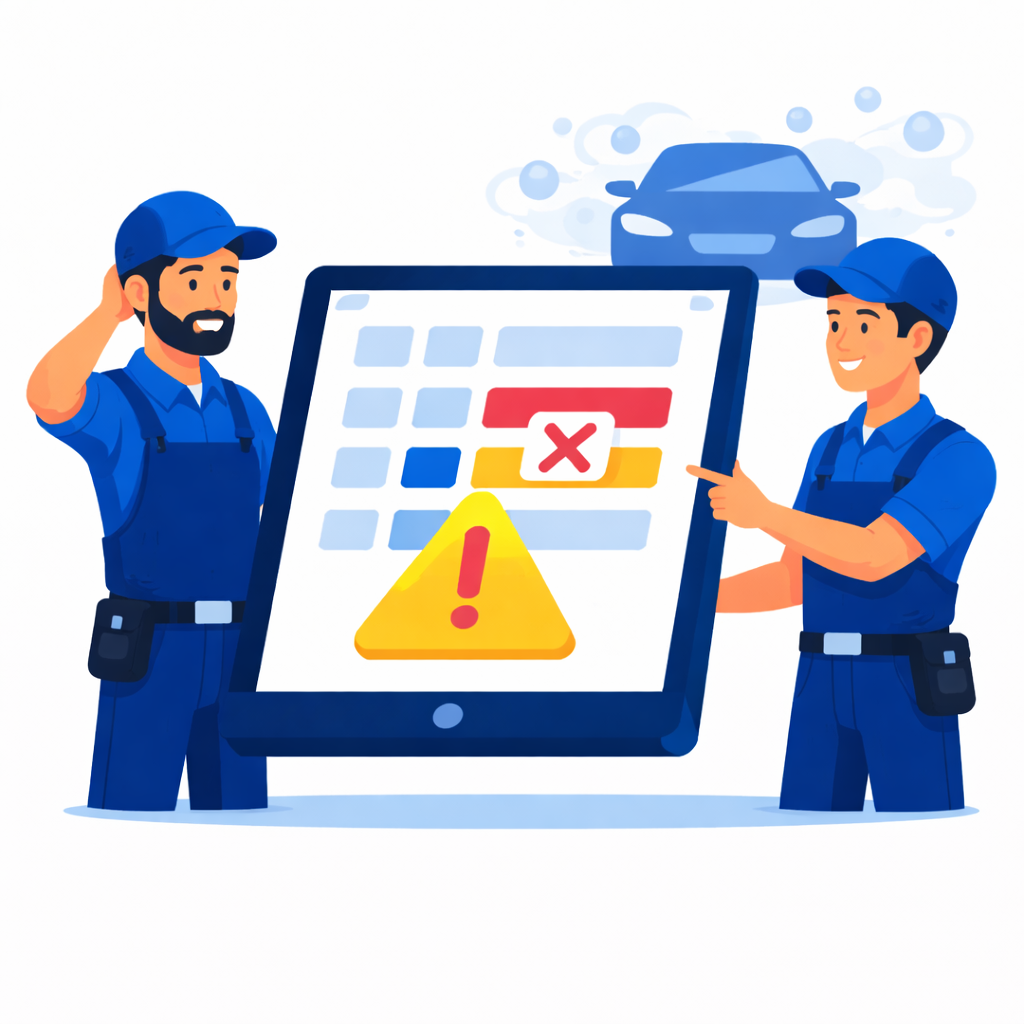
Try car wash scheduling software: what the first week looks like
At a car wash everything comes down to the bays: how many there are, which are hand wash and which are automatic, and when each one frees up. That is why the first week starts with the bay schedule rather than with the look of the booking form. You can try car wash scheduling software with no credit card, and online booking, stock and payroll are already part of the basic version.
- Set up your bays as resources. A resource is anything whose availability you track, so a bay counts just like an employee. Hand wash and automatic bays are worth creating separately, since they offer different services. In the occupancy mode, set how many cars a bay takes at once, and the form will never book more cars into it than it can hold. A bay's hours can repeat every week or be set for specific dates, and a bay that should stay out of online booking can be kept for internal tracking only.
- List your services and packages: exterior wash, interior cleaning, upholstery shampoo, a full-service wash. Enter the real duration, drying and bay prep included, or the next car ends up waiting at the gate. Attach each service only to the bays where it is actually done, so an automatic bay never shows up as an option for hand detailing. For a package that needs the whole bay, the service itself sets how many slots it takes.
- Add a field for the car's make or license plate to the online booking form. Extra fields are created in the company settings, and on the form you can make one required for the client. Each appointment then shows which car to expect, so the front desk has no reason to call.
- Build techmaps for your car care chemicals: shampoo, wax, interior cleaners. A techmap is linked to a service, and once the appointment is saved as paid, the stock balance goes down on its own. A muddy SUV and a sedan after a light rain do not use the same amount, so treat the manufacturer's rate as a starting point and adjust it after your first stock count, as the guide to tracking consumables recommends.
- Publish the form: a button on your website, a link in your Instagram profile, or the form itself serving as the wash's page with packages and prices. Create a separate booking source for each channel, and every appointment will show where the client came from. The driver picks a package and a free time, while the front desk sees on the schedule which bay is busy and until when. Before sharing the link, book once yourself and check durations, weekend hours and the confirmation.
- Set up pay for your washers under the rules the wash already uses. Payroll is calculated automatically, so nobody has to reconcile a notebook of washed cars at the end of the shift. Install the free staff app for your team, where each washer sees their own appointments and records the outcome of the service. If you later want a deposit for detailing, online payment is added as a separate module of the extended version, and the rest is covered in the overview of car wash software.
up to 86%
Customers are registered online after setting up the form24/7/365
Support service is available via messengers and email.Trial version
Available for work, no credit card requiredEvery booking in one calendar
Your website, social media and phone calls meet in one schedule
Try for free