
Software for diagnostic centers
Statistics formation of customer visits, display of staff employment, receiving feedback on the services provided.
Online booking form
Your own form for client bookings on the site and on social networks. New customers can always sign up for the company's services 24/7
Without waiting on the line
Connection to social network/site
Client's personal account
Ready-made design options
Backoffice for management
24/7/365 portal for managing your company. Real-time employee occupancy calendar and quick update of information about the structure and cost of services.
View more details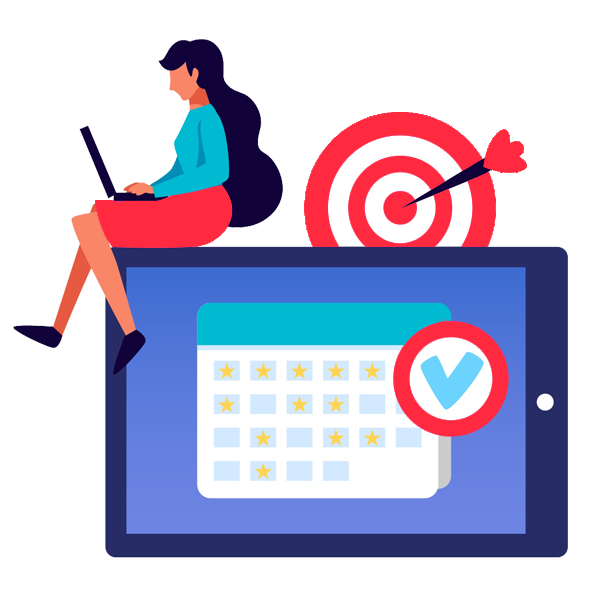
Employee's mobile app
Free mobile application to speed up the work of employees and administrators
Android / iOS
All in 1 application
Does not require frequent updates

Cash registers and cash flow
Automation of accounting of non-cash and cash transactions of the company. Periodic reports on the status, results and movement of funds. Automatic and manual cash documents. Fiscalization of receipts via software POS.
View more details
Discounts and promotions
Organization of a loyalty program for customers and special offers
Multiples or Specific Visits
Cumulative Discount
Check Amount
Fixed Discount

Undesirable appointments blocking
Setting up the restrictions to prevent aggressive competition and unscrupulous customers. Automate adding to a blacklist or blocking an online appointment.
View more details
Diagnostic center software for a schedule set by the equipment
In a diagnostic center the day does not run on doctors alone: an ultrasound machine or an X-ray room handles one patient at a time, and every idle hour of that equipment costs the center real money. That is why diagnostic center software has to show the workload of people and machines in the same schedule.
An equipment room as a resource of its own
Rooms and machines are resources in Wlaunch just as employees are. An equipment room gets its own working hours, the list of exams performed in it and an occupancy mode. An exam that needs the whole room takes it over completely, and the service itself states how many slots it uses. Per-resource statistics reveal how many hours the room stood idle, how full it was and what it earned, so a decision about an evening shift for it rests on numbers. The setup details are covered in the article on how resources work.
One exam booked several times over
A patient sometimes books the same exam for several days in a row just in case, then shows up only once. A restriction on booking the same service keeps an expensive machine from being tied up that way, and a warning when the same person books again inside a set window tells the administrator the person is already on the schedule. Bookings from different sources can follow different conditions, so a rule meant for online booking does not stop the front desk from adding a patient manually. People who keep missing appointments go on the blacklist for a set period.
A checkup made of several exams in one visit
A patient often goes through several exams back to back in a single visit. A discount whose condition is the total duration of the services in the appointment fits this well: the longer the combined checkup, the bigger the discount, and the front desk has nothing to calculate by hand.
Cash registers, patient sources and revenue per room
Cash and card payments for exams are recorded in the center's cash registers, and the cash history keeps a full timeline of transactions. Cash documents are created automatically when a payment is taken, or manually, for instance for equipment maintenance costs. The financial results report breaks income down by category for each resource, so you can see what every room or doctor brought in, and the cash flow report shows the main sources of income.
If some patients come from an advertising campaign, you create a dedicated appointment source for it and tie a discount to that source alone. The appointment source report then shows the number of appointments and the amount from each channel, which makes it clear which channel actually brings patients in for exams.
Diagnostic centers sit in the medical field section next to clinics and private practices. If your main work is collecting samples rather than running exams on equipment, take a look at the page for labs and sample collection points.