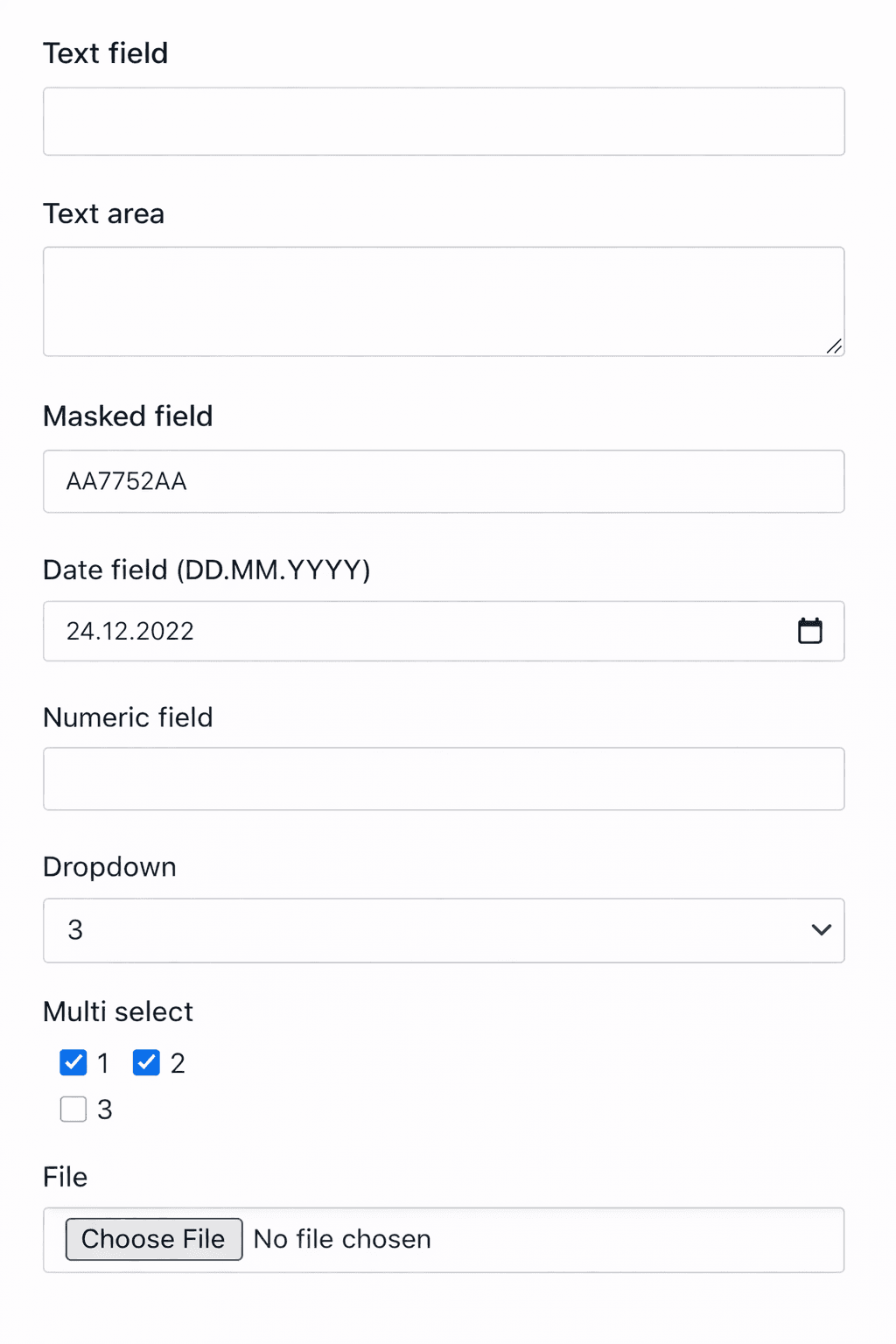
Additional fields
Why are they needed and how to set them up
Sometimes the standard system configuration does not cover your business processes.
Additional fields are designed to extend the interface to meet your needs.
How to set up?
- Settings (in company management) -> Additional fields -> Create
- Field name - this is how the field will be labeled in the system
- Description - additional information
- Model - the data to which the fields will be linked
- Field type - the data format or appearance of the field
- Whether the field is required
- Sequential number for display on the interface
- Appearance for employees and in the admin panel
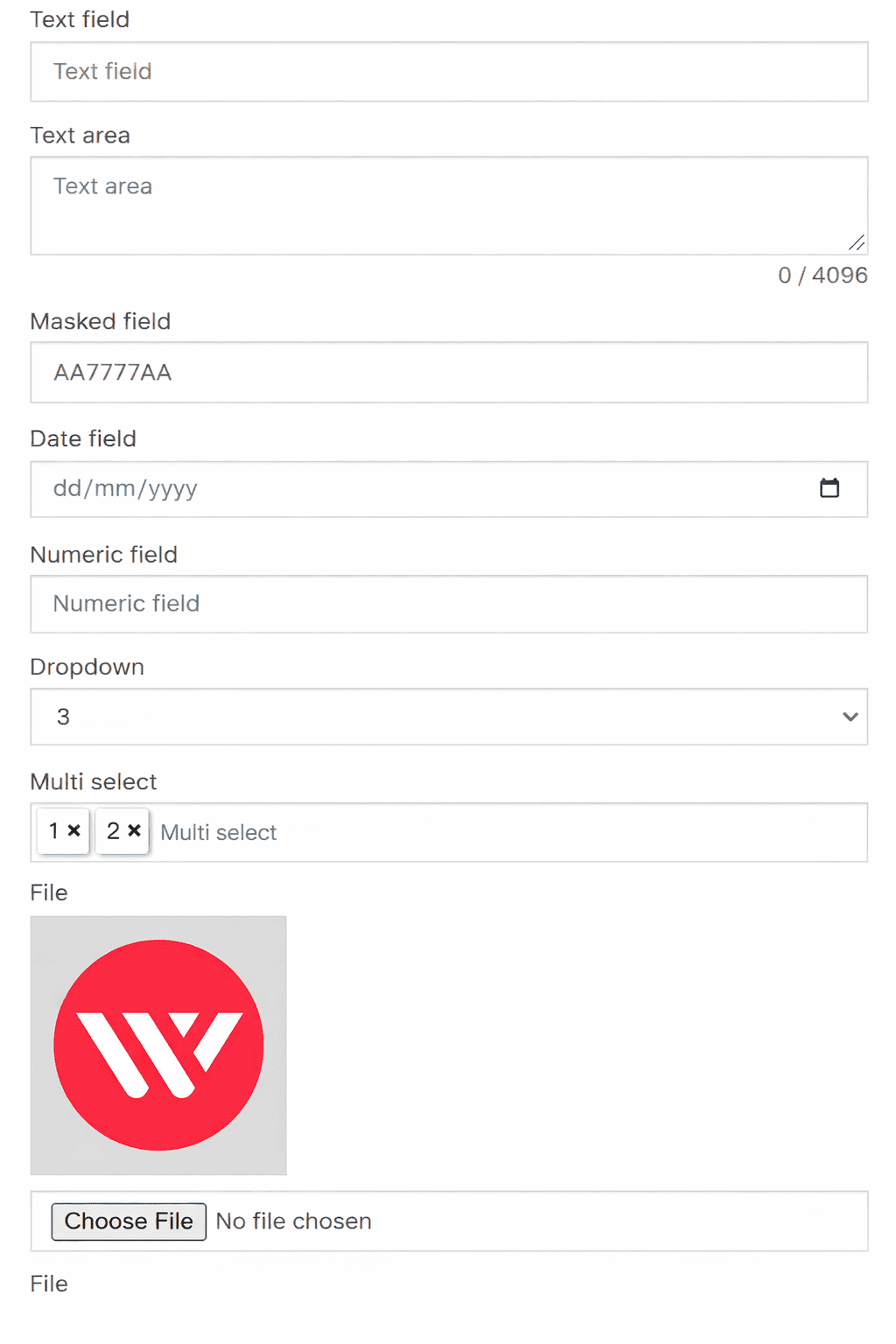
- To display fields in lists, you need to go to the list settings
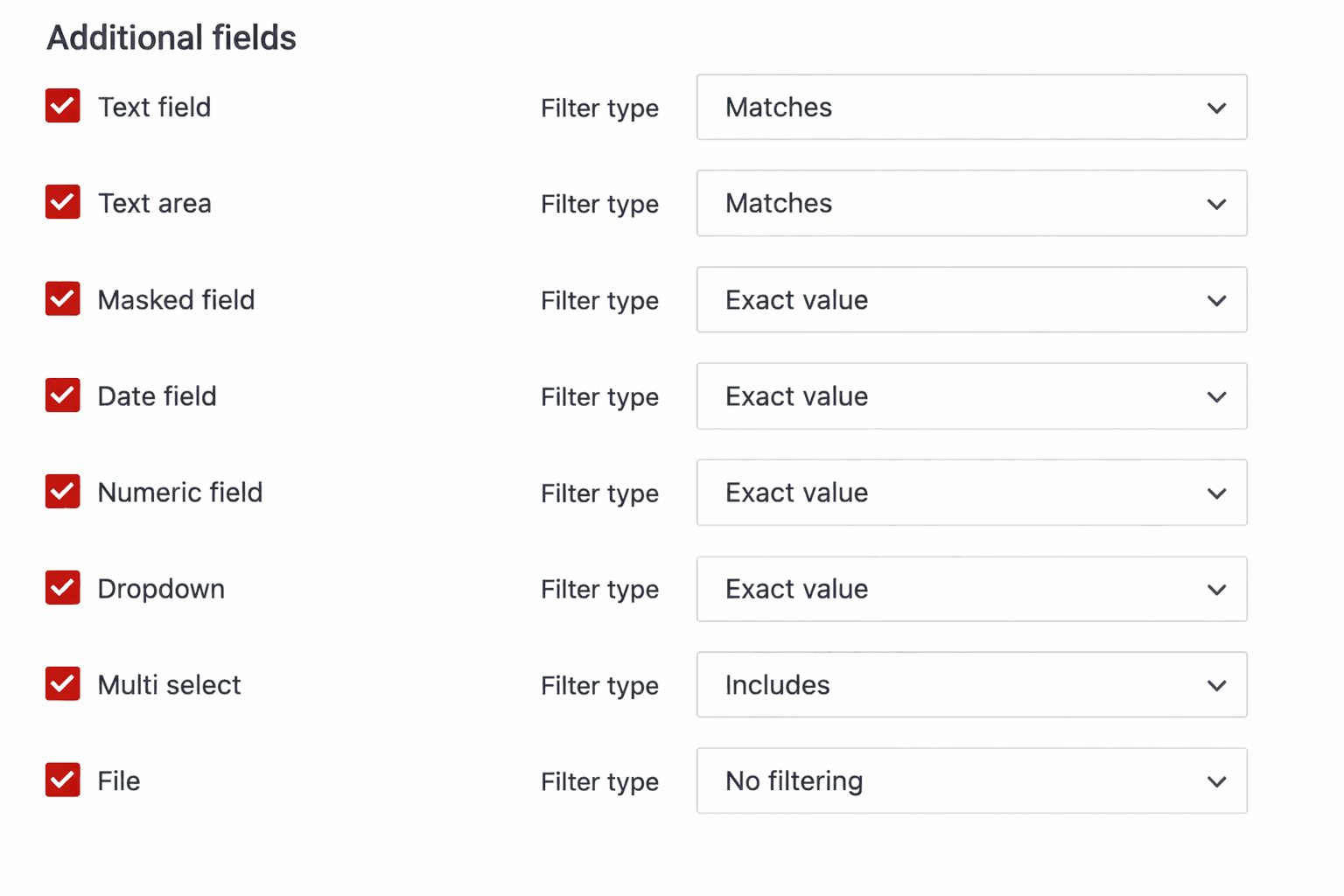
- The filter type determines how to match the corresponding field with filtering methods
Online booking form
- Online Booking -> Fields
- Adjust whether the field is visible
- If the field is not required, you can specify whether it will be mandatory to fill in
- Appearance for clients on the online booking form