
Permissions - access
List of functions and modules for which it is possible to change the access level
What are permissions?
Permissions are a tool for configuring access levels to system functionality. They allow you to group users or employees by certain criteria and grant or restrict their access to specific sections and actions.
How does it work?
Permissions are organized into groups. Each group contains a set of rules that determine what users with that group can or cannot do in the system.
Rule types:
- Access rights - regulate general access to sections: creating, editing, viewing.
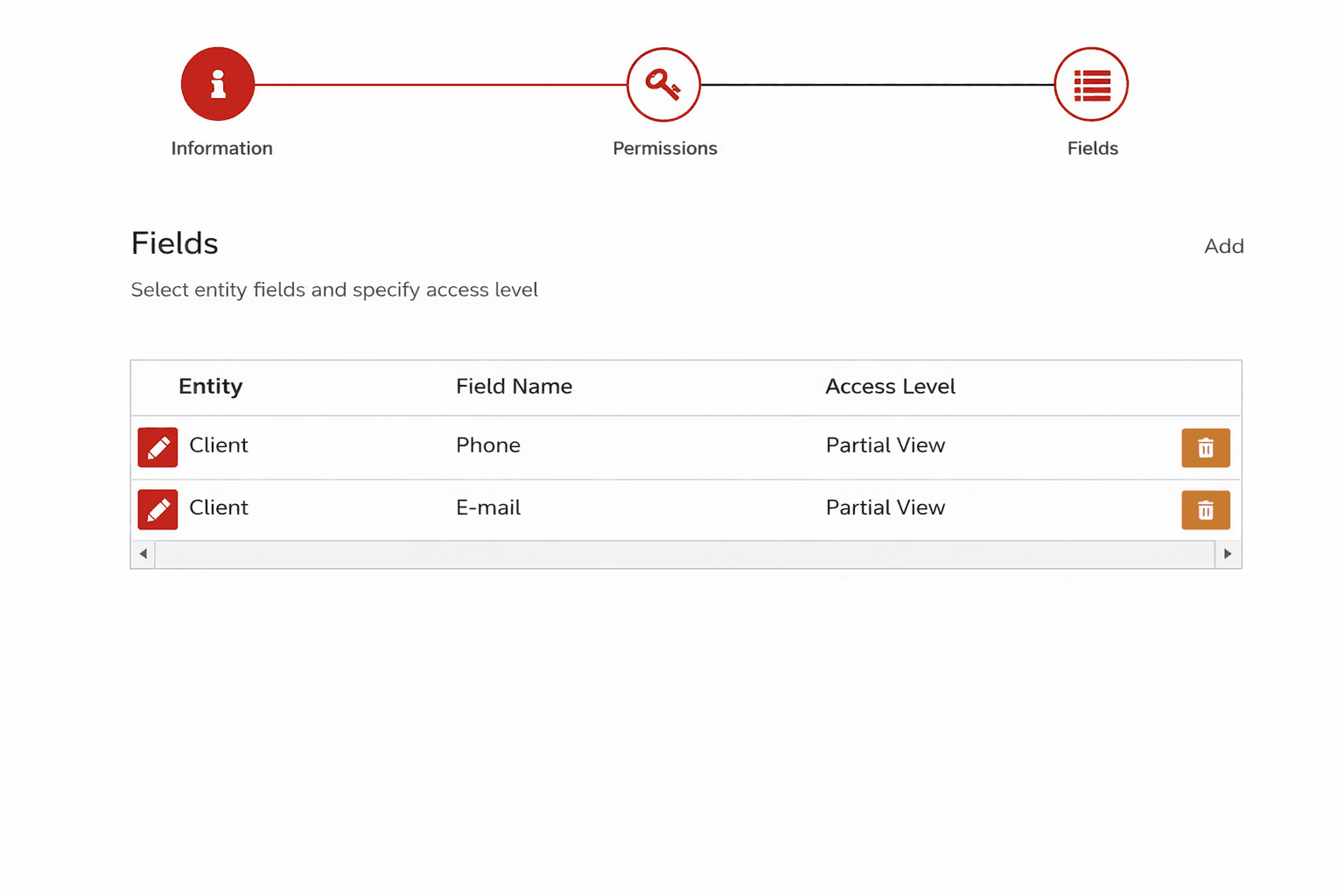
- Fields - manage access at the level of individual form fields (for example, hiding a phone number).
Typical usage scenarios
Prohibit viewing client contacts
Removes access to fields with client contact information.
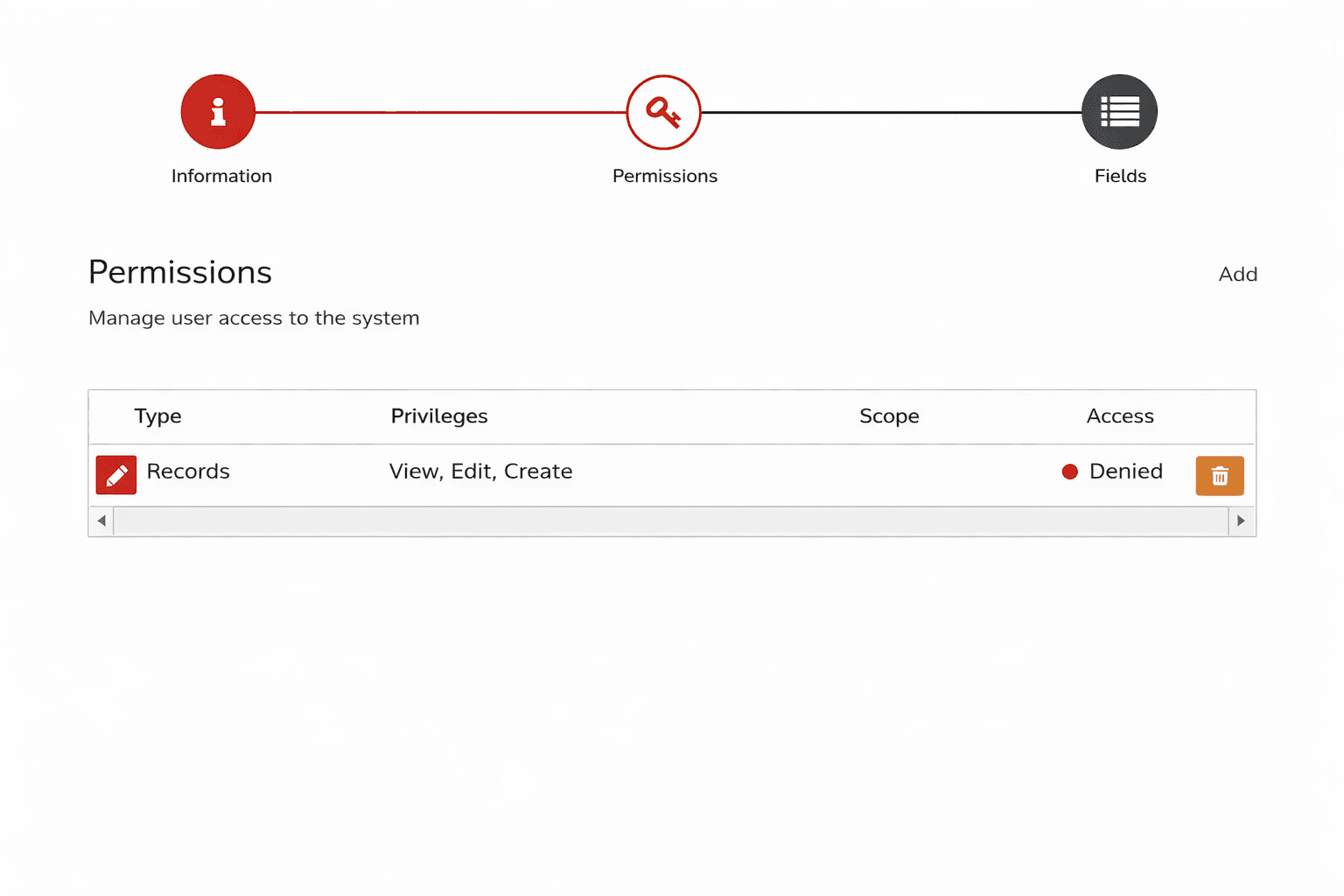
Prohibit access to bookings
Blocks any interaction with bookings, including viewing bookings in the schedule and events.
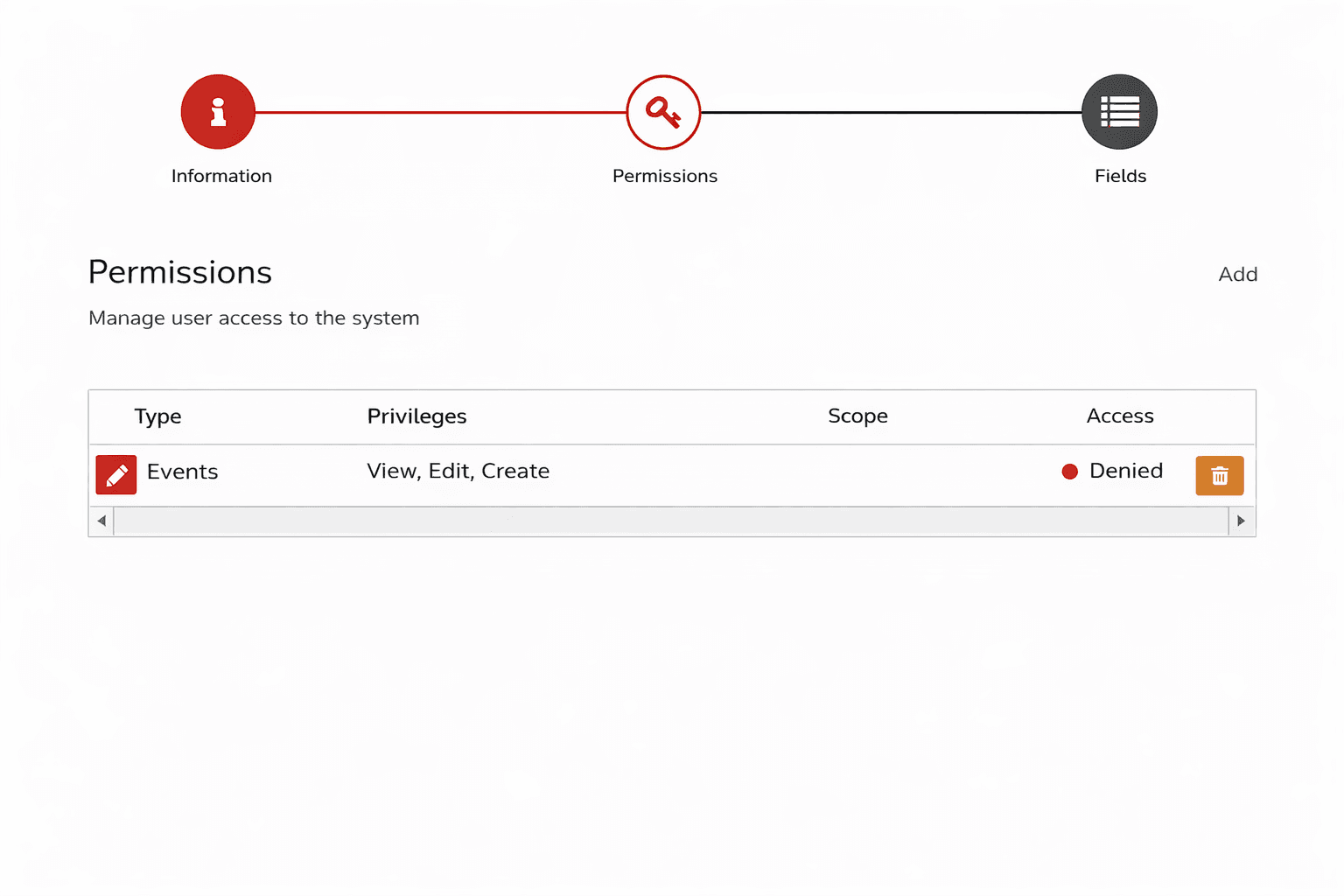
Prohibit access to events
Blocks the ability to create, view, and edit events.
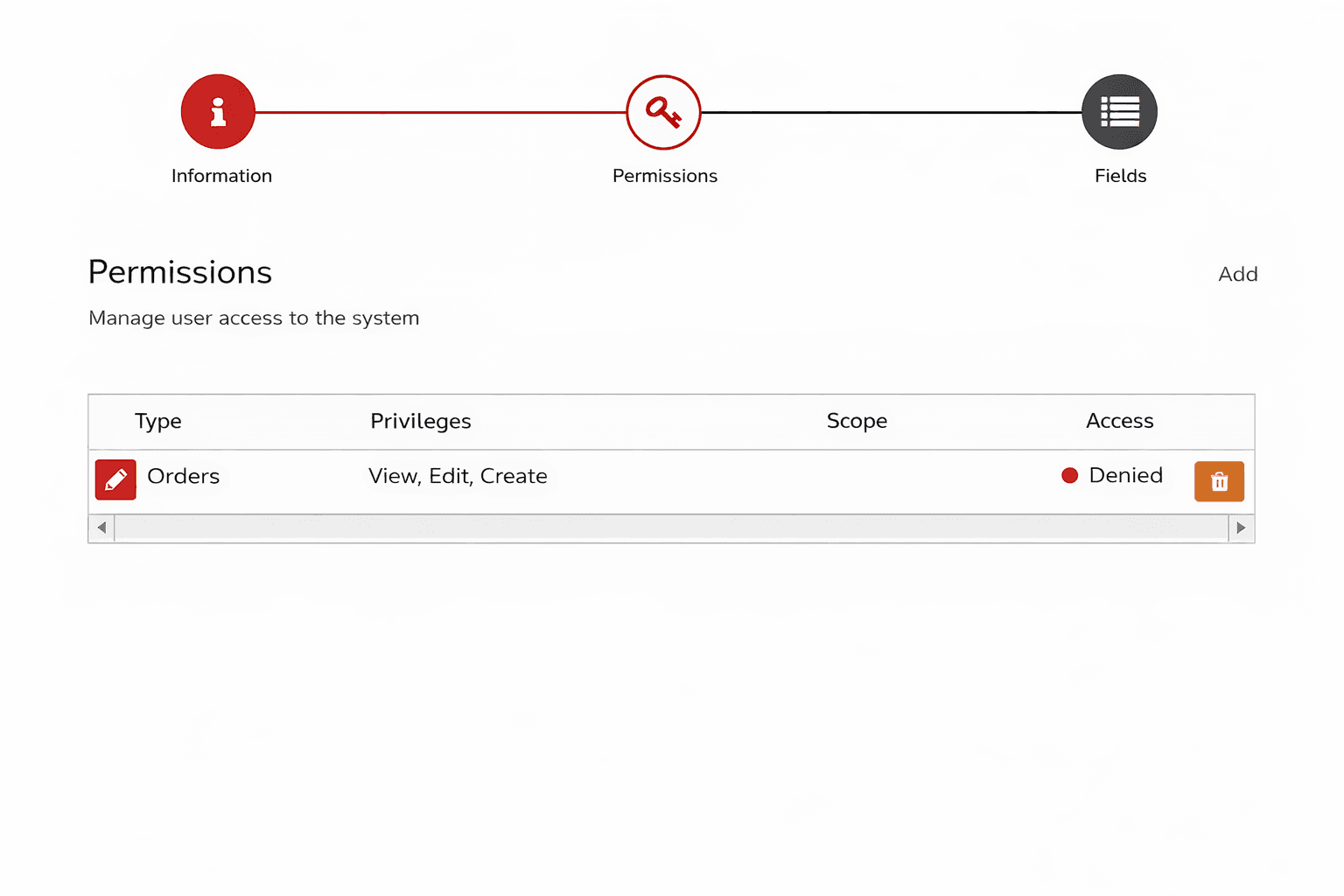
Prohibit access to orders
Blocks creating, changing, and viewing orders.
Prohibit access to finances
Comprehensive restriction on the company's financial information.
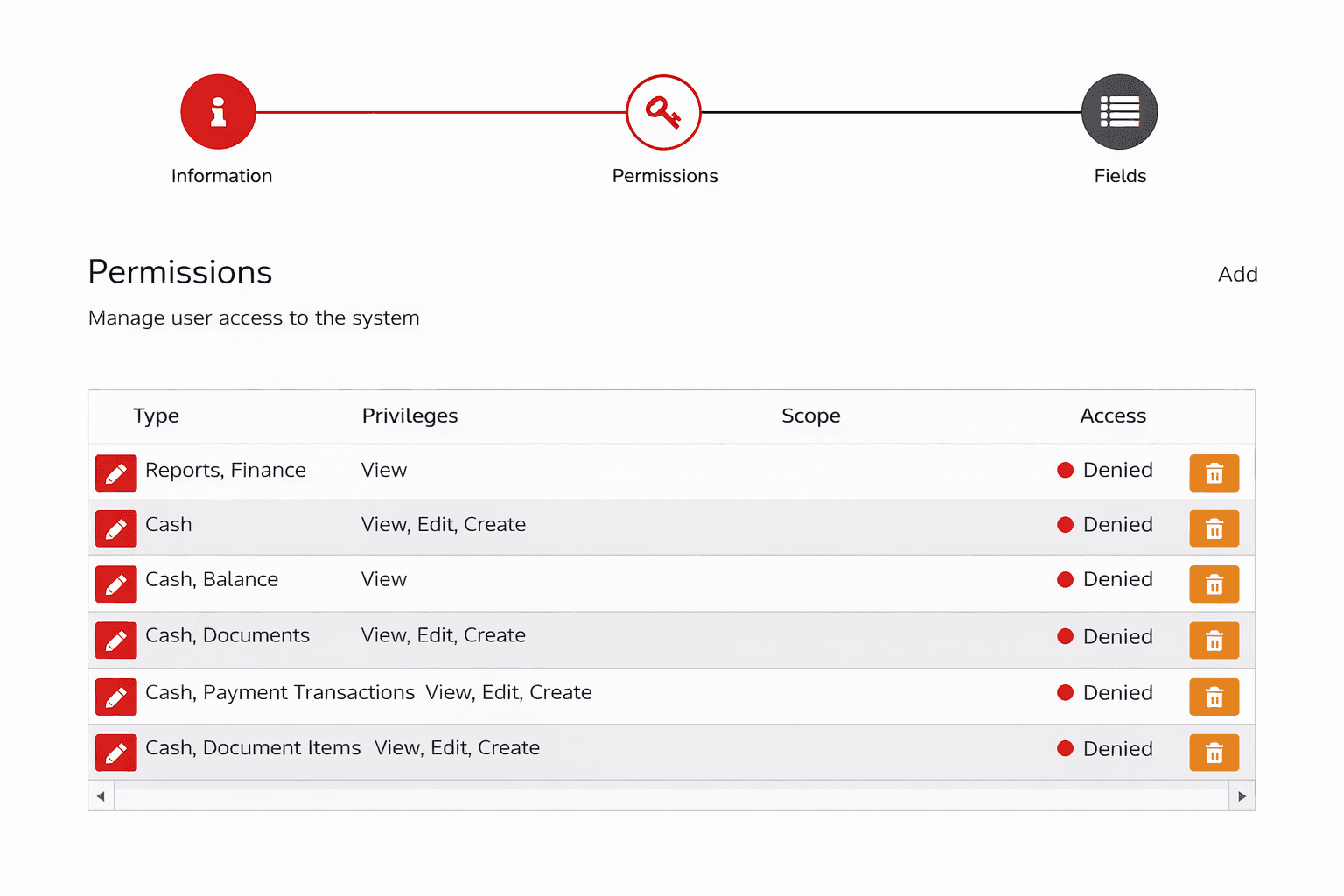
Prohibit access to inventory
Restricts access to all inventory-related functions.
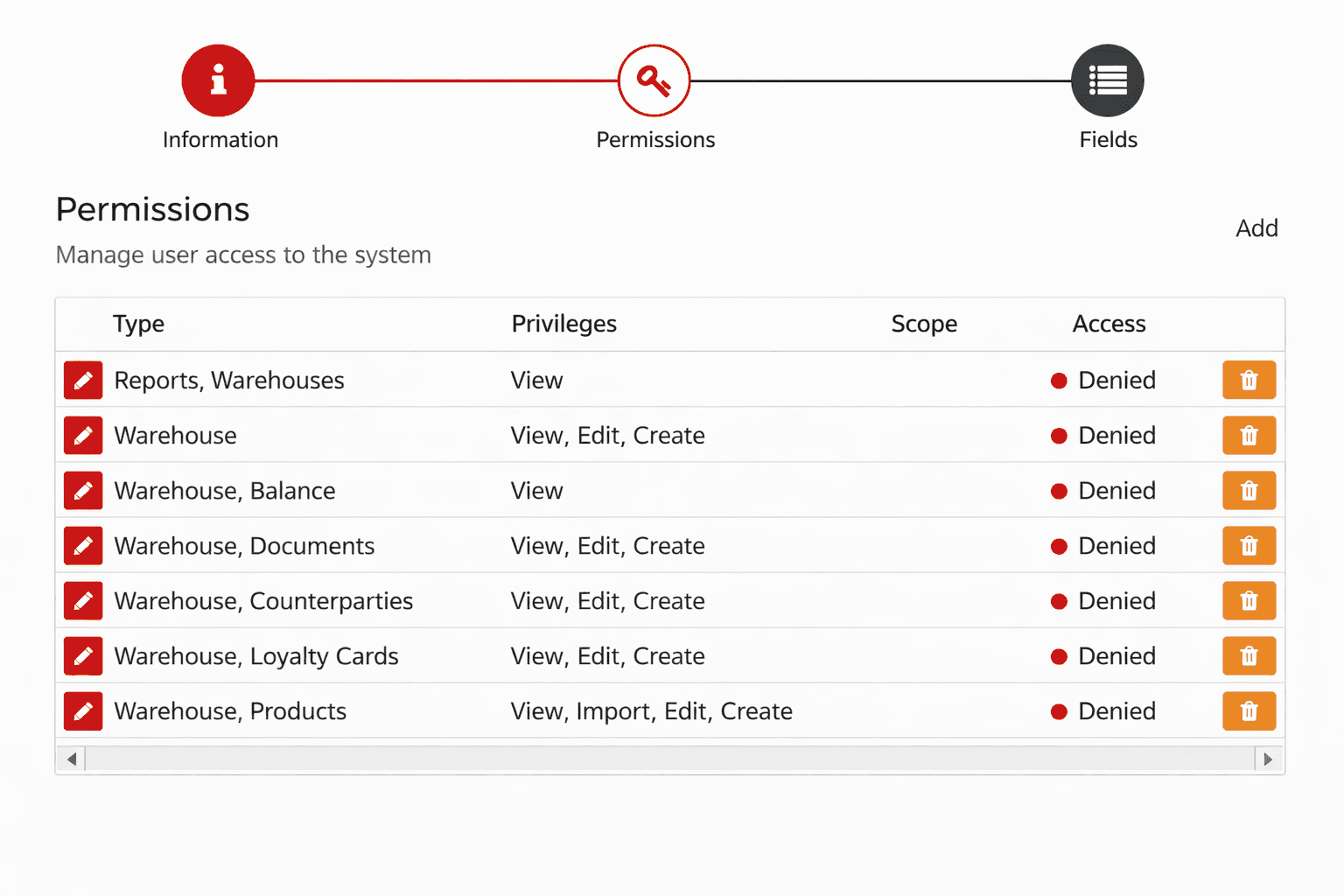
Prohibit resource management
Prohibits changing schedules, provided resources, and related settings.
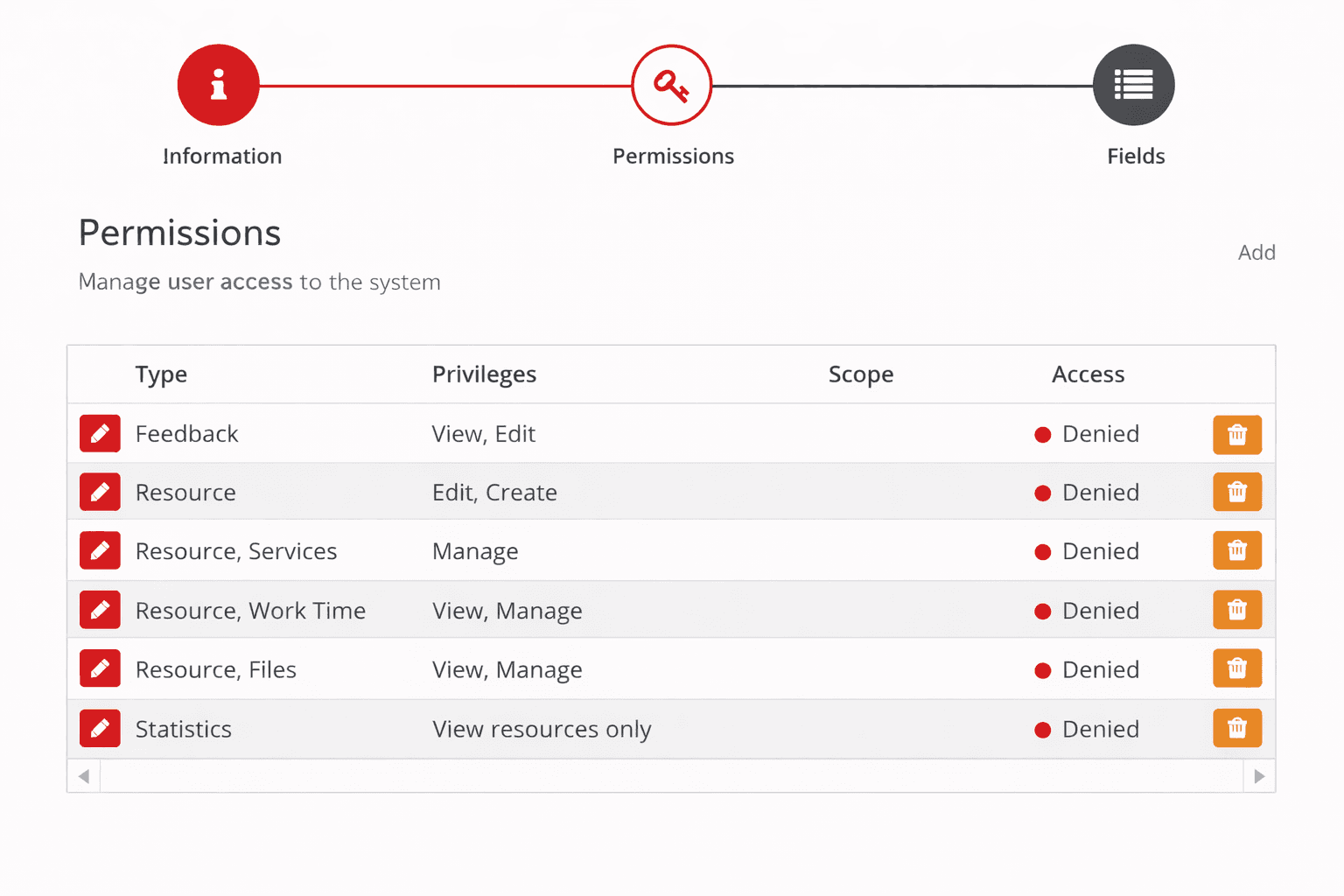
Prohibit service management
Prohibits changing or adding services.
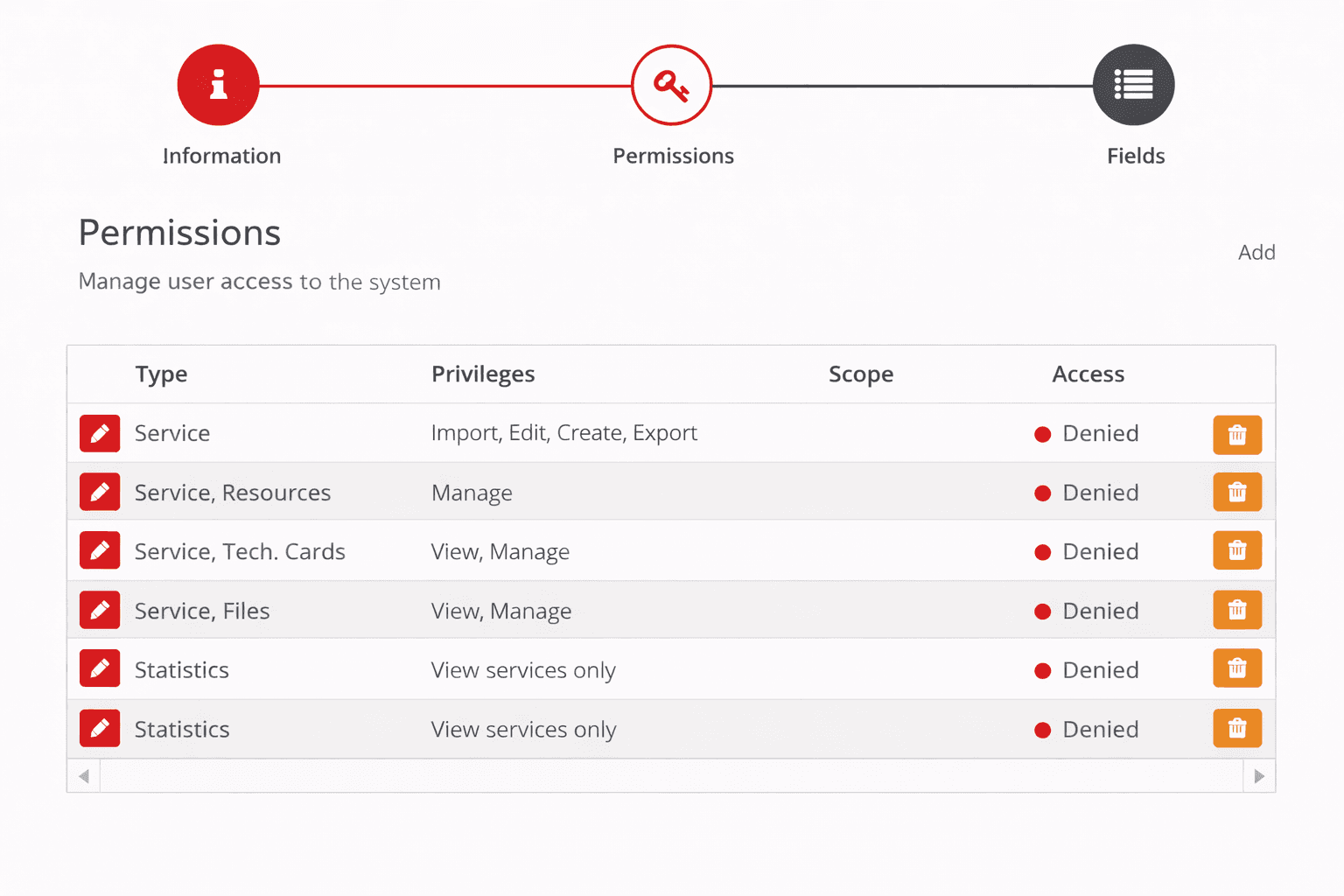
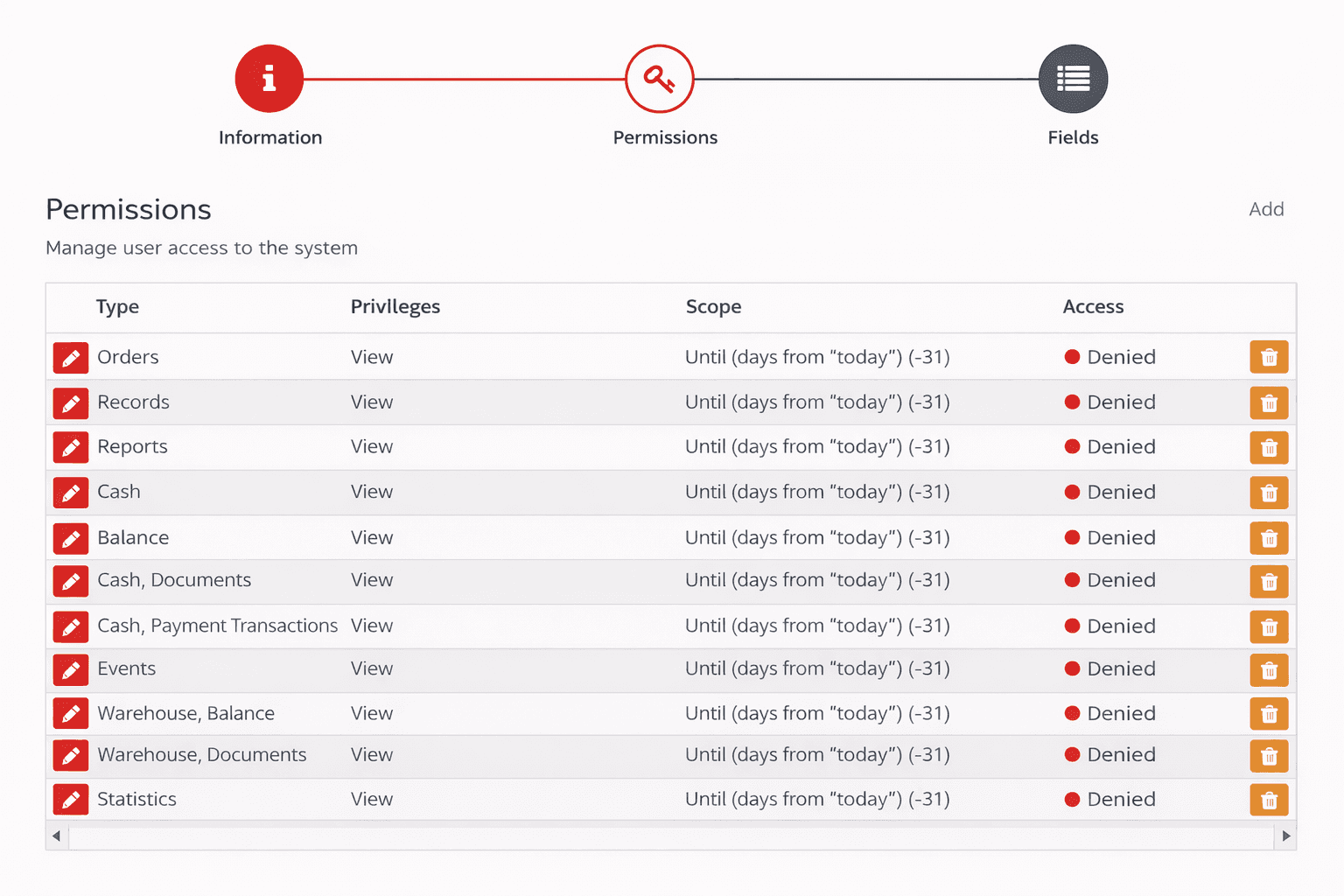
Prohibit viewing information from past periods
Restricts access to documents and bookings created more than 31 days ago.
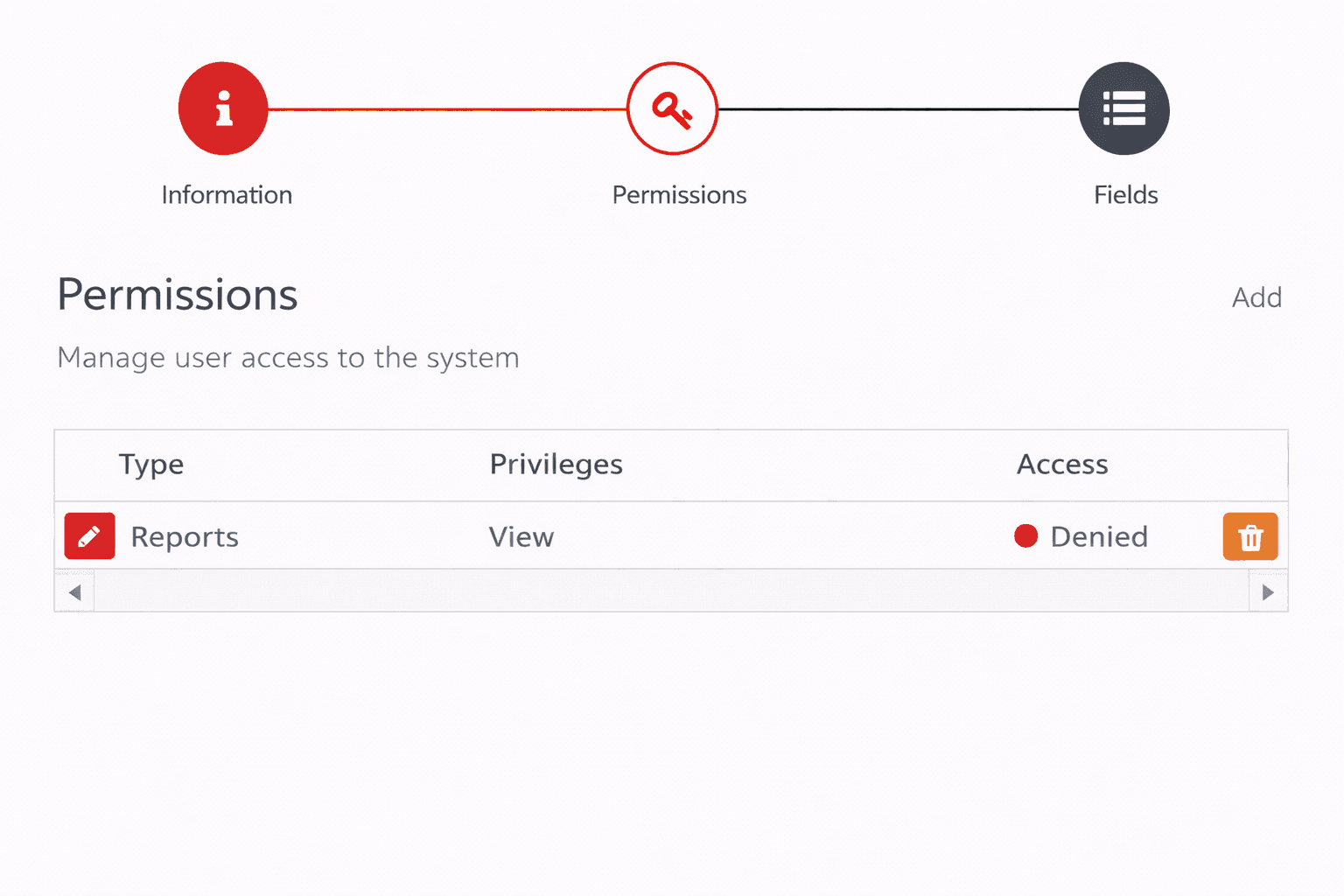
Prohibit viewing reports
Prohibits viewing all reports in the system.
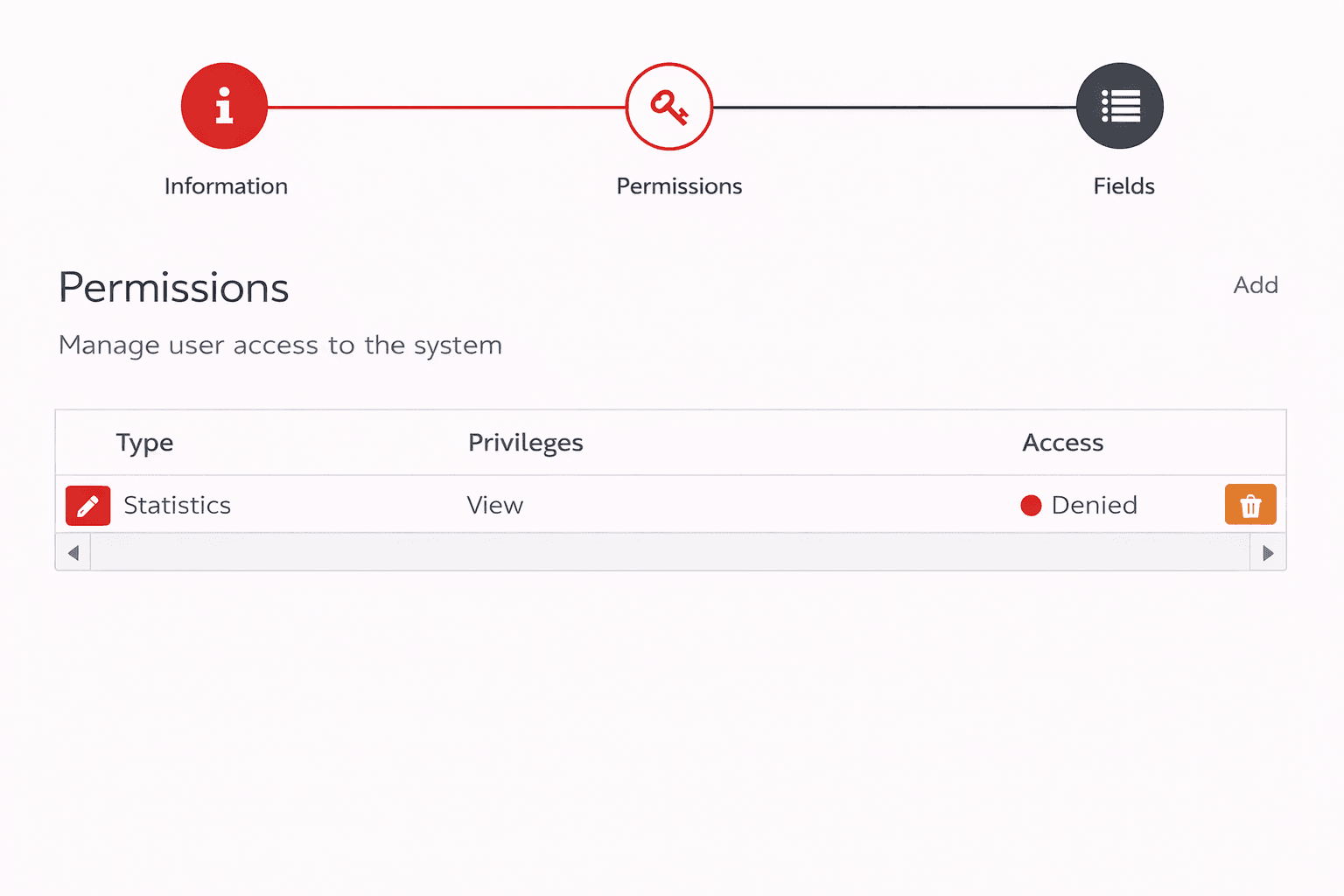
Prohibit viewing statistics
Blocks access to the statistics and analytics page.
Restricted role
The module adds a new role - Restricted role. It has no permissions by default. All access rights are configured manually through groups with the "Allowed" rule type.
This role is useful when you need to provide minimal access for new or temporary employees.
Usage example:
A group is created with the following permissions:
- Allowed to view Bookings
- Allowed to view Resources
- Allowed to view Services
Such a user will be able to view the branch schedule but will not have access to editing or finances.