
TurboSMS
How to register and connect TurboSMS
Registration in the mailing system
Go to the website TurboSMS.ua and create an account.
You need to top up the balance for mailings and order an SMS sender name.
After the sender name is confirmed, you can start connecting it in the Wlaunch system.
Connecting the system in Wlaunch
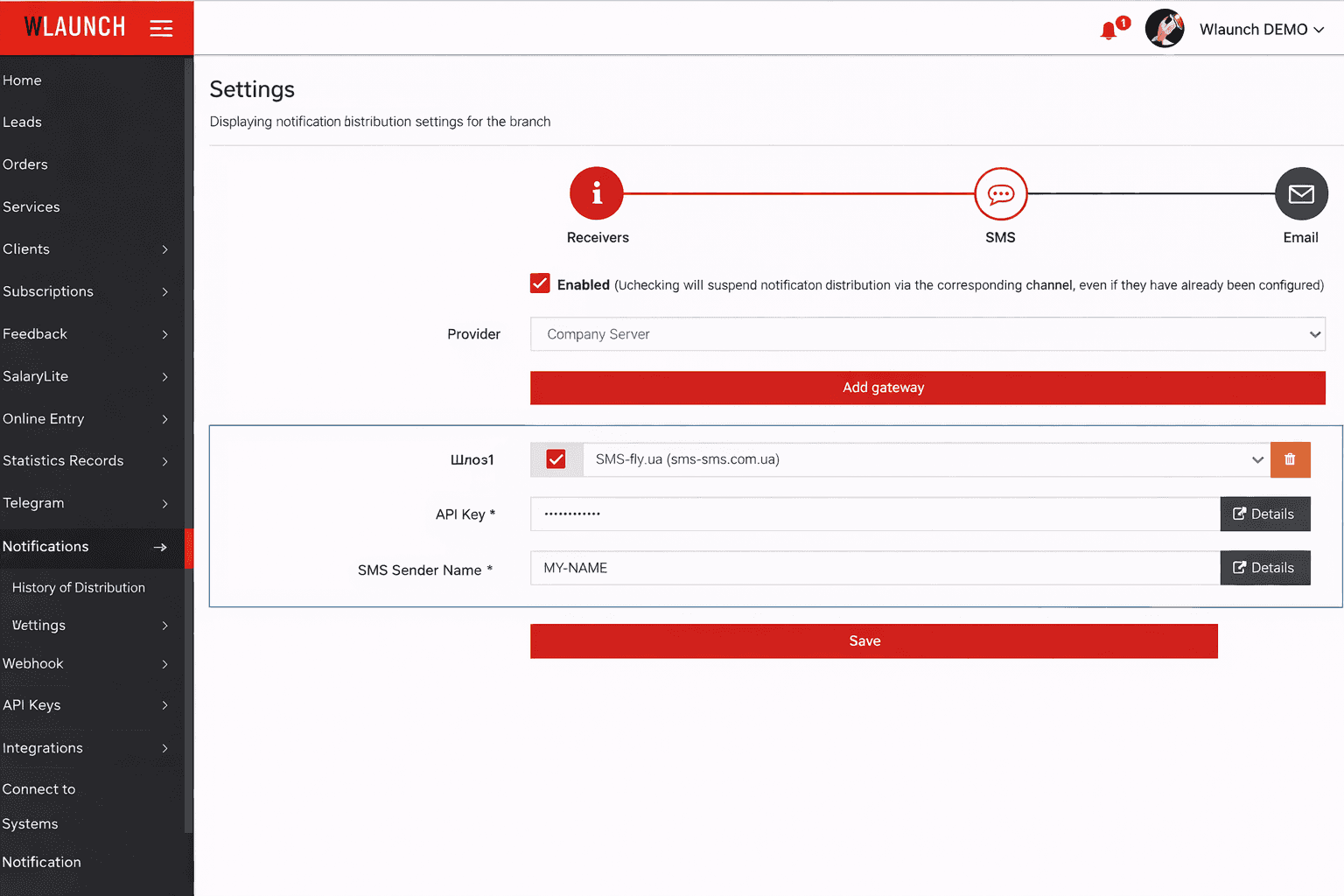
Go to the Mailings - Settings - SMS section.
Change the Provider to Company server.
Click Add Gateway.
Check the box next to your gateway.
Enter the API key for accessing the server via HTTP. To quickly find the key, you can click the Details button.
Enter the SMS sender name that you registered and activated on the provider's side.
Click Save.
Verifying the settings
To make sure the settings are configured correctly, you can send a personal message to a client.
Then go to the Mailings - History section and check the message status. If there is an error, go to the details to get more information.