
Booking for site
More about connection options and setup
For the convenience of your clients, there is an option to connect the online booking form to your company's website.
The following options are supported:
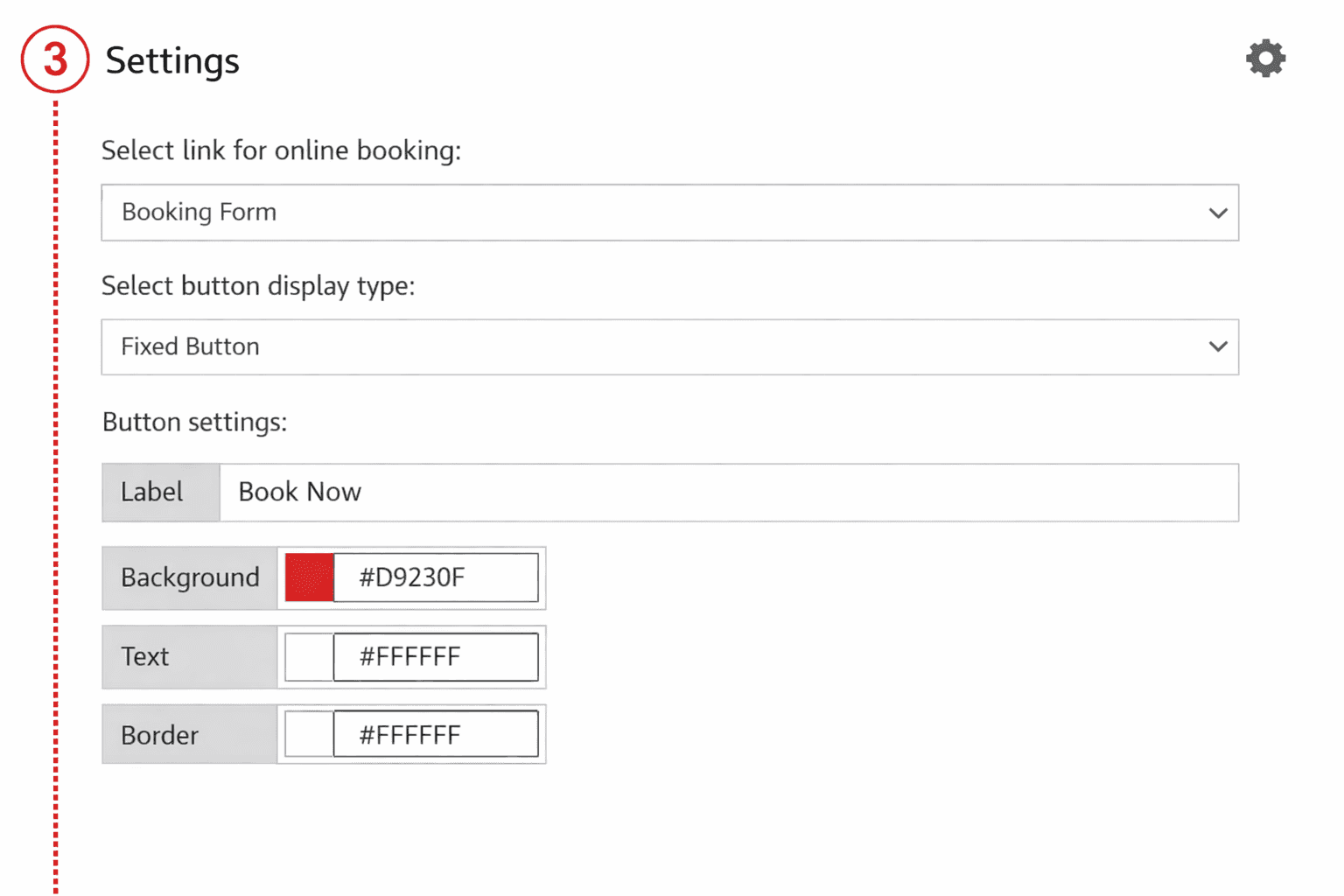
1 Fixed button
- One fixed button for one or all pages of the website
- Simple customization of button text and colors
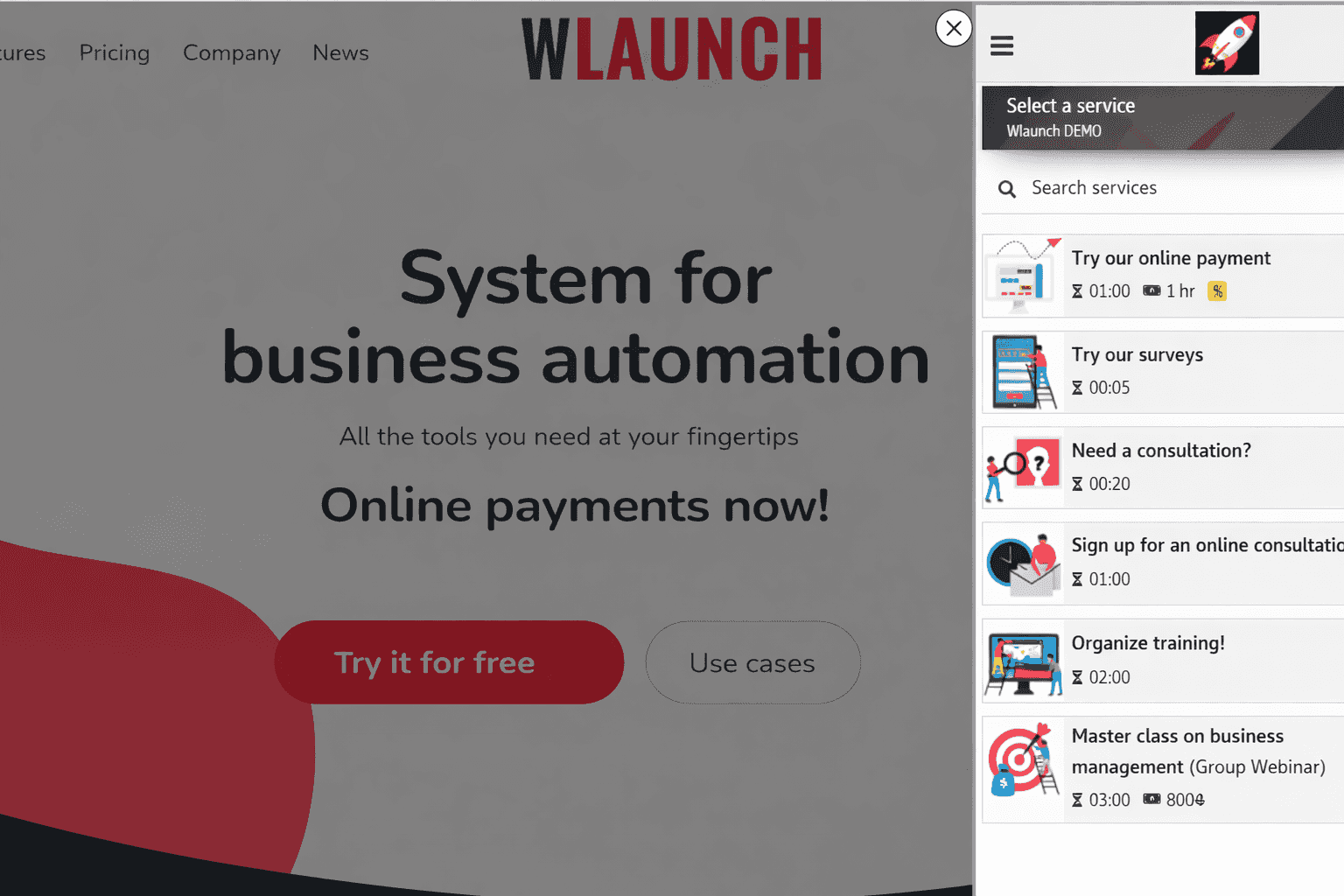
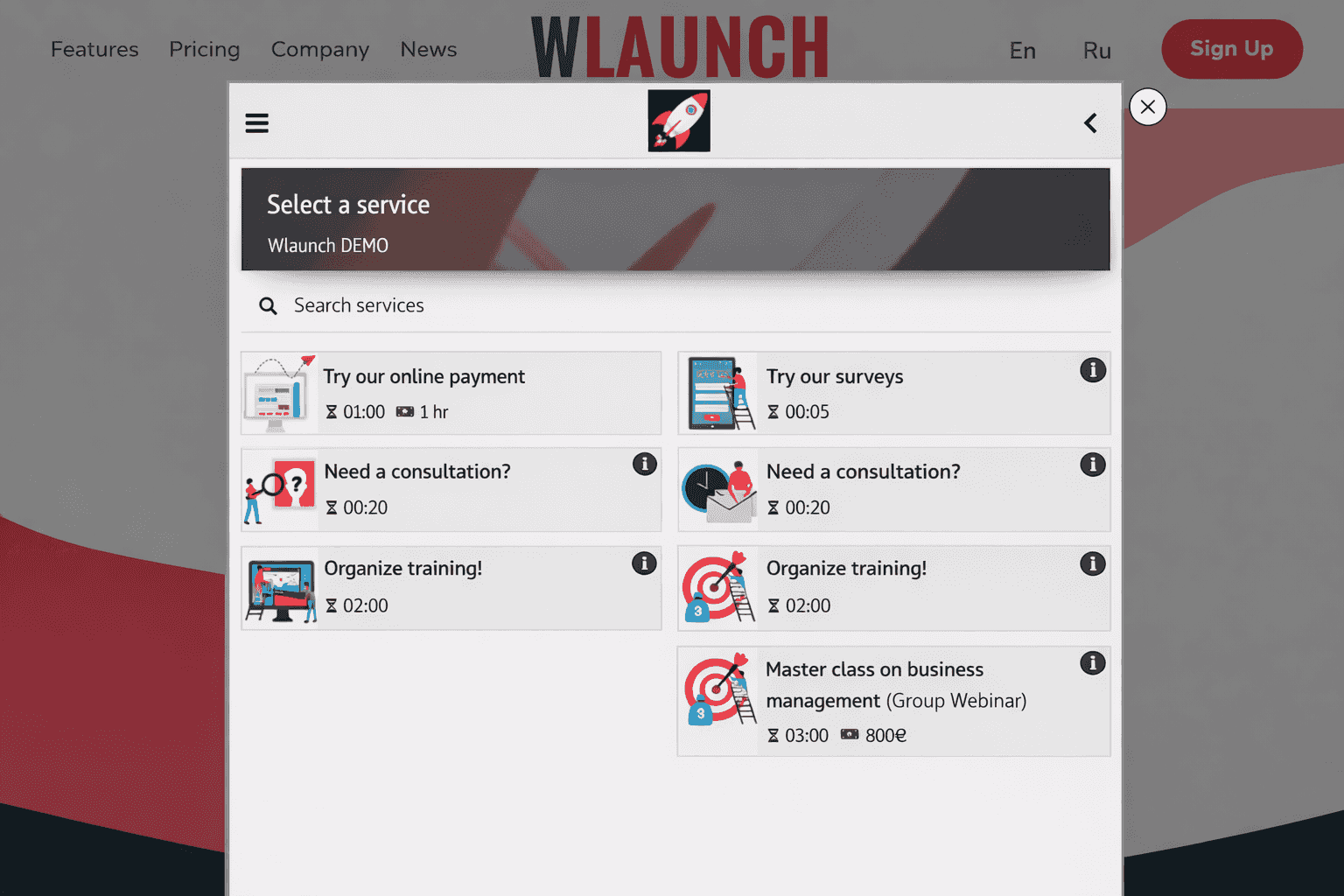
- Opens a Side panel or Modal window
- On mobile devices, opens in a new tab for client convenience
2 Side panel or Modal window
- Activated by clicking on your button or any custom element
- Multiple buttons on a single page are supported
- On mobile devices, opens in a new tab for client convenience
3 Embedded in a custom element
- Connected as a section of an existing website page
- You allocate a specific area for the form, and it automatically fits into the designated section
4 Fully replaces the content
- In cases where you do not have a website or it is temporarily unavailable, you can use the booking form as a full-fledged website
In all cases, the online booking source and UTM tags are transmitted for tracking purposes.