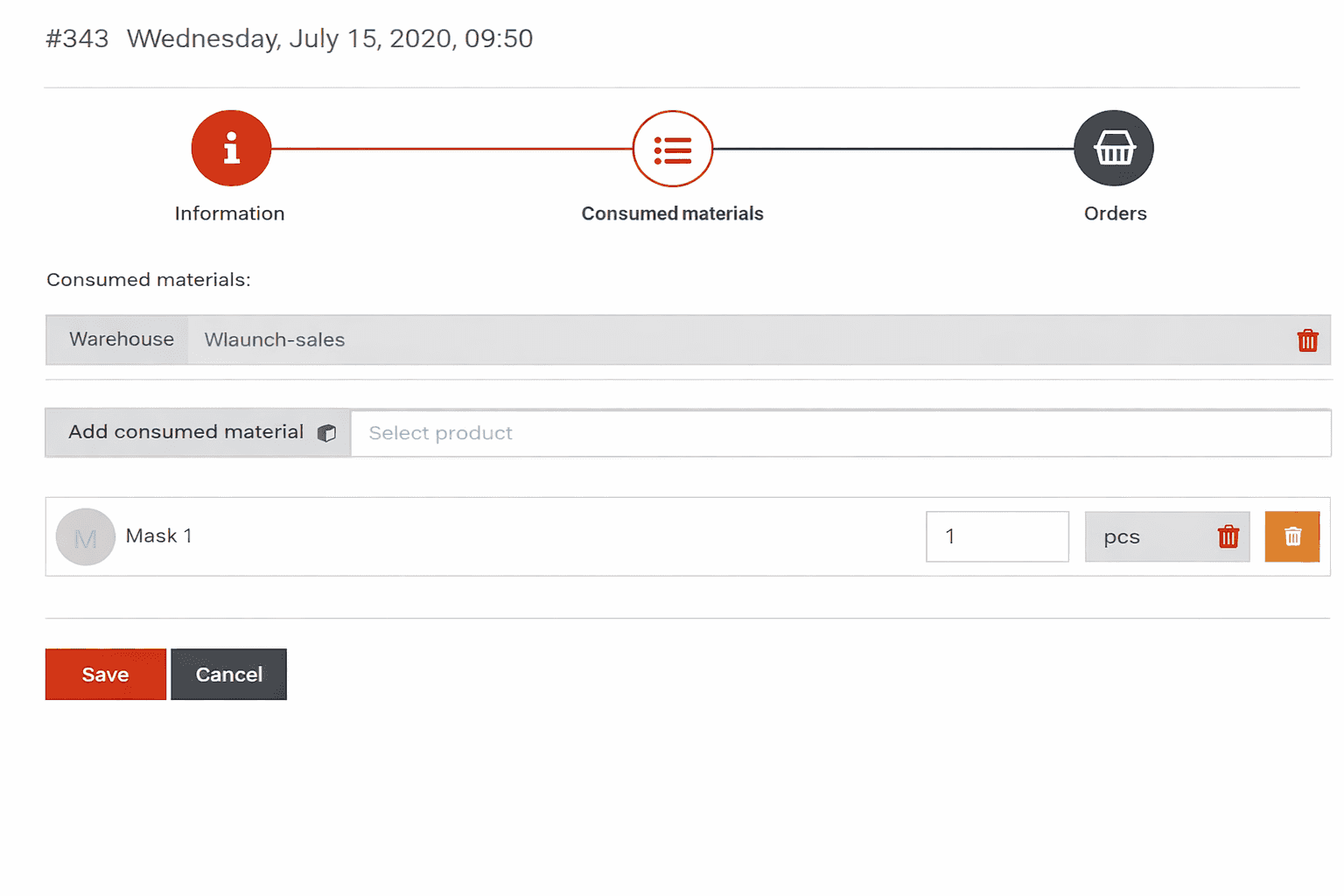
Techmap
System of consumables management acceleration
The techmap does not prevent you from modifying the list of consumable materials within each individual appointment. It is expected that the techmap specifies products included in the service cost.
If you need to add paid products, use the Orders tab, where products are selected using the product sales price list. Procedure for creating and connecting techmaps:
1 Preparation
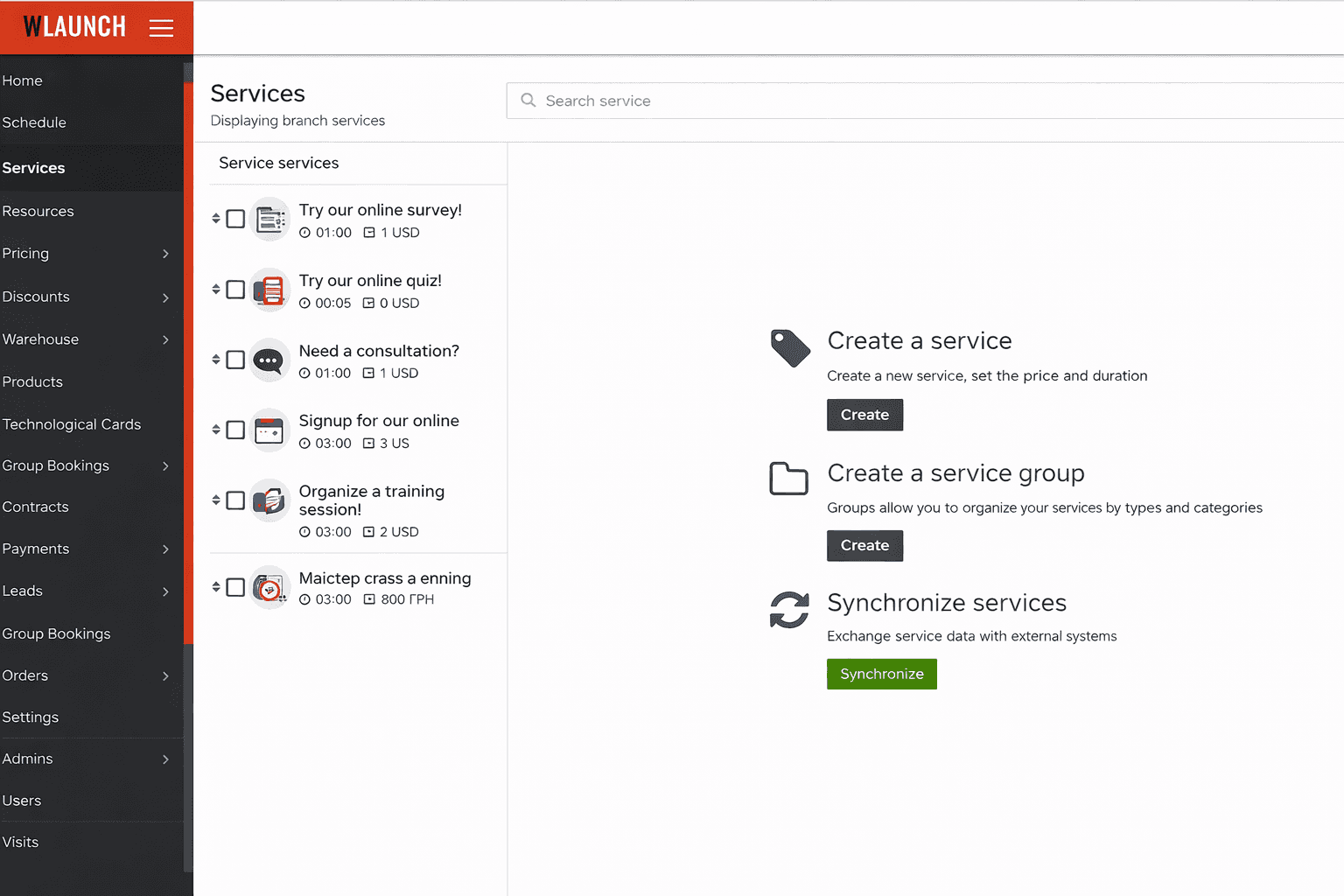
- Services created
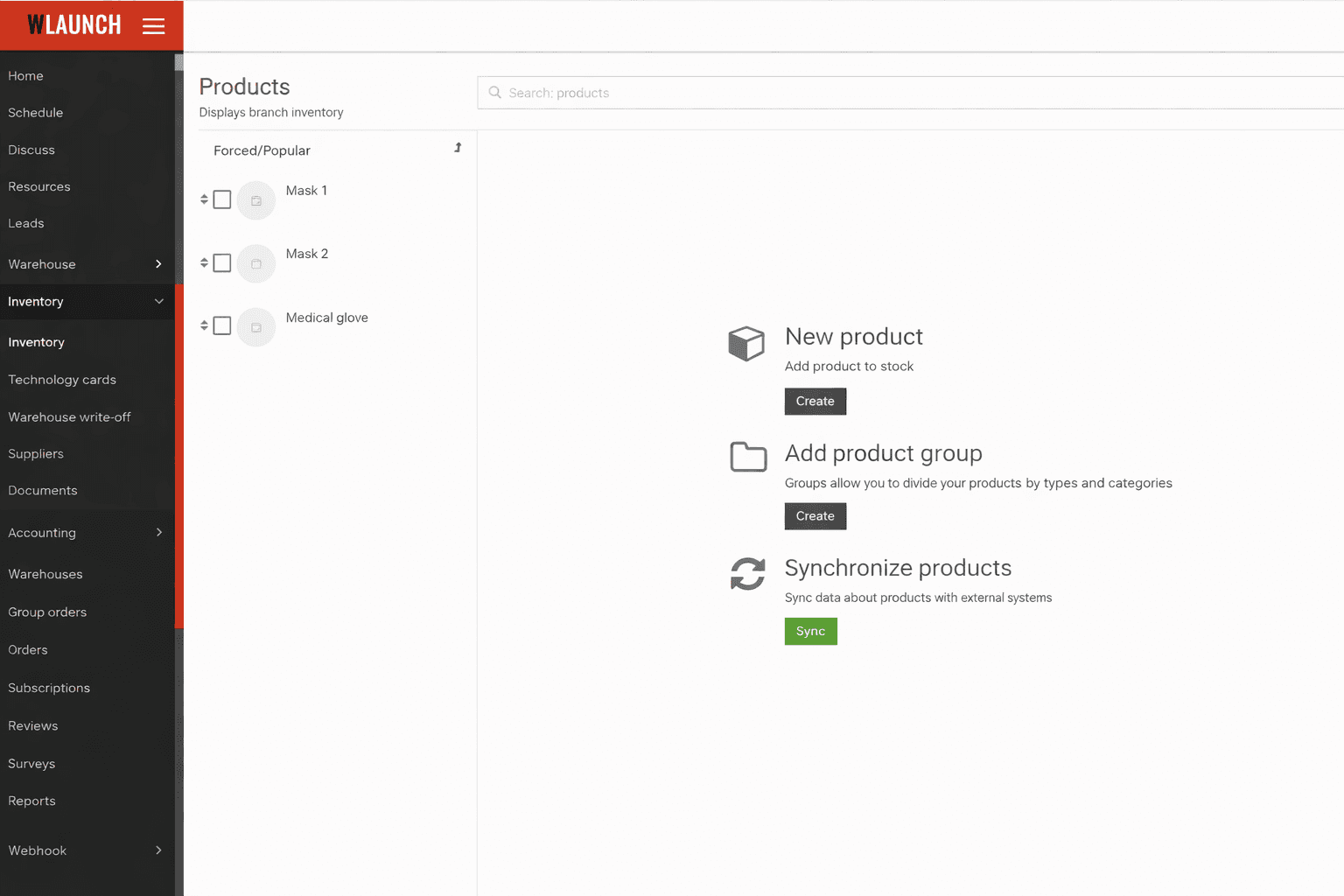
- Products created
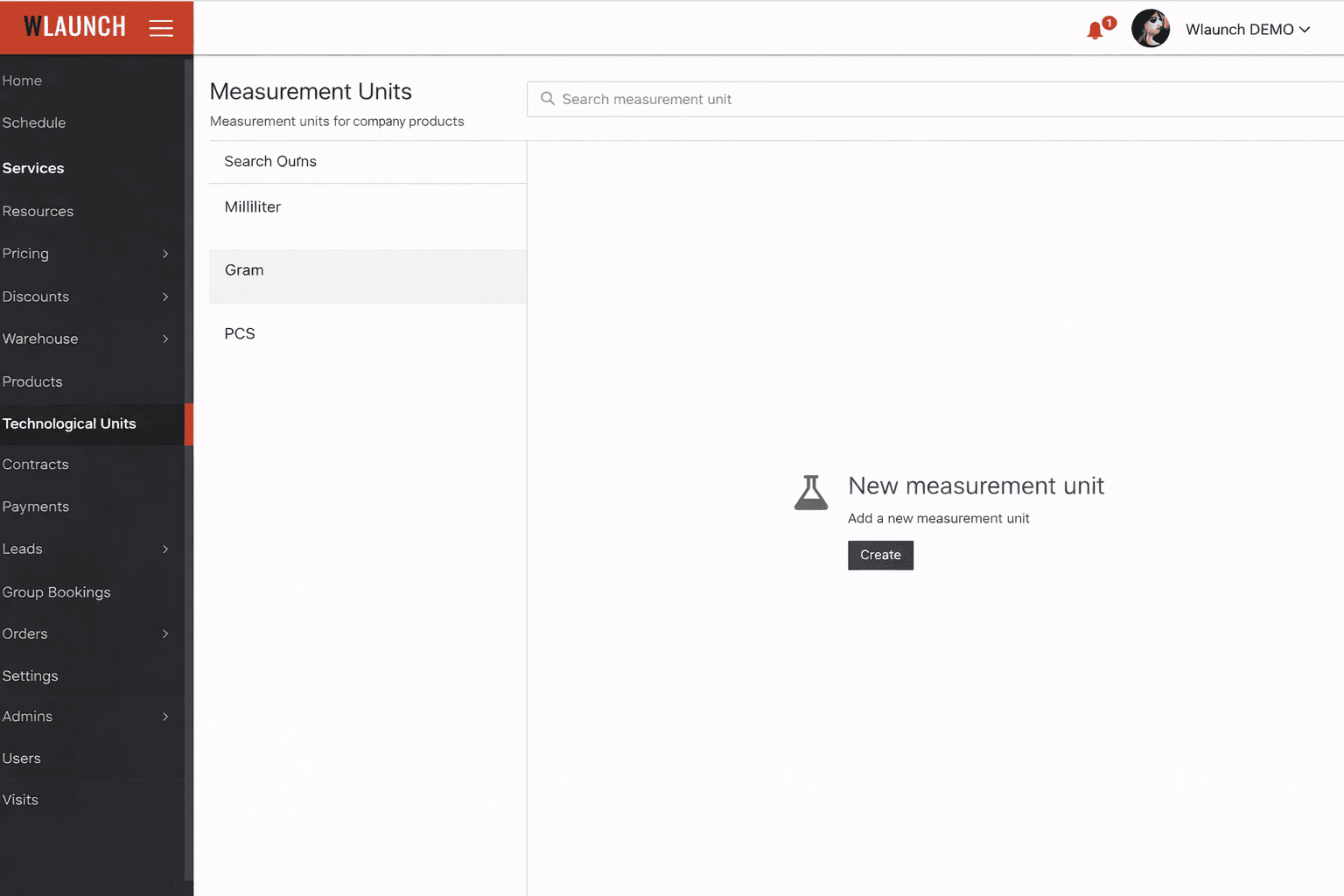
- Required units of measurement are present in the company
2 Creating a techmap
- Create a new one
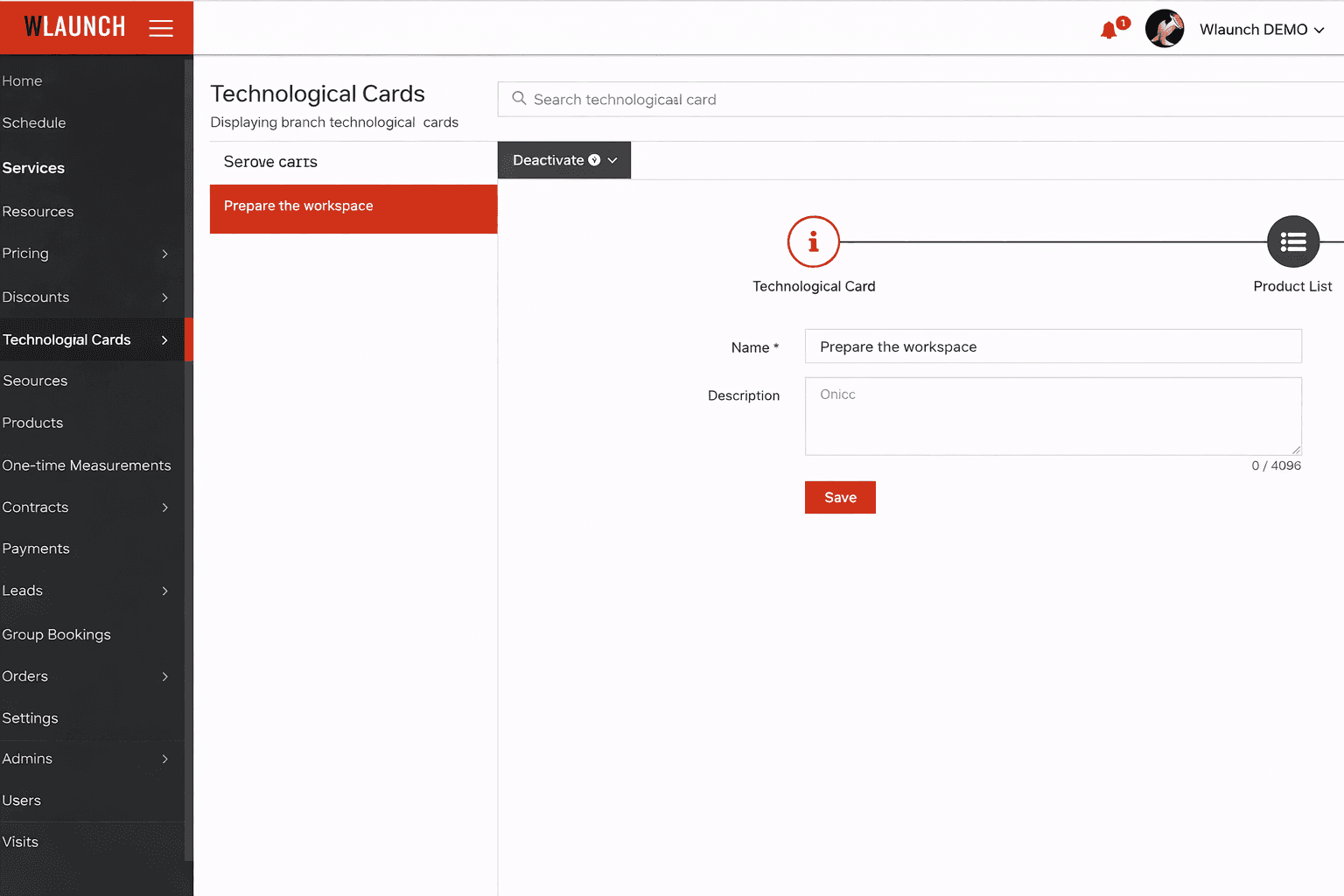
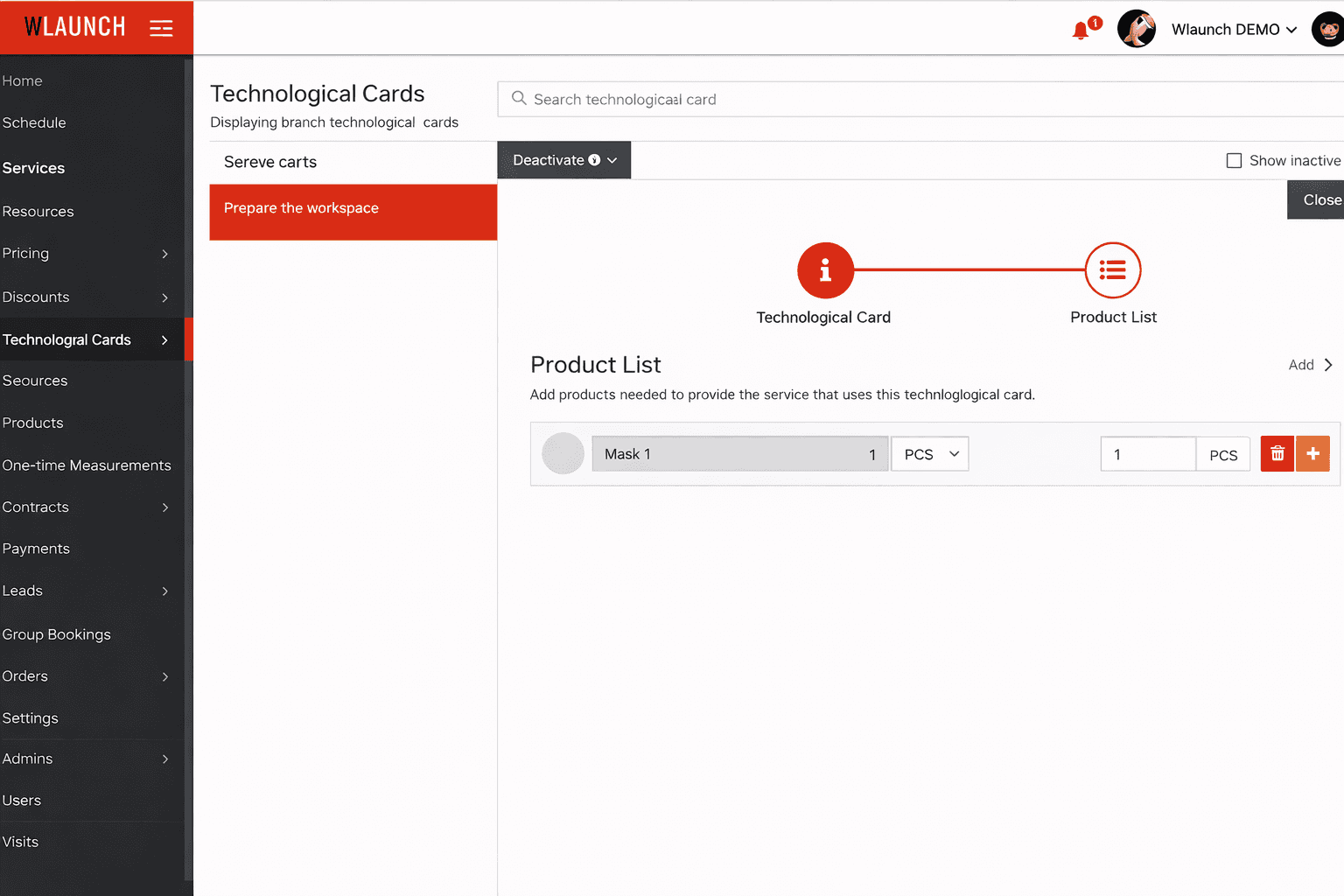
- Describe the list of typical products consumed during the selected process
- A single techmap can include multiple products - the key is to specify the typical quantity
- Add items using the button in the top right corner
- Save using the red floppy disk icon on the product row
3 Linking a techmap to a service
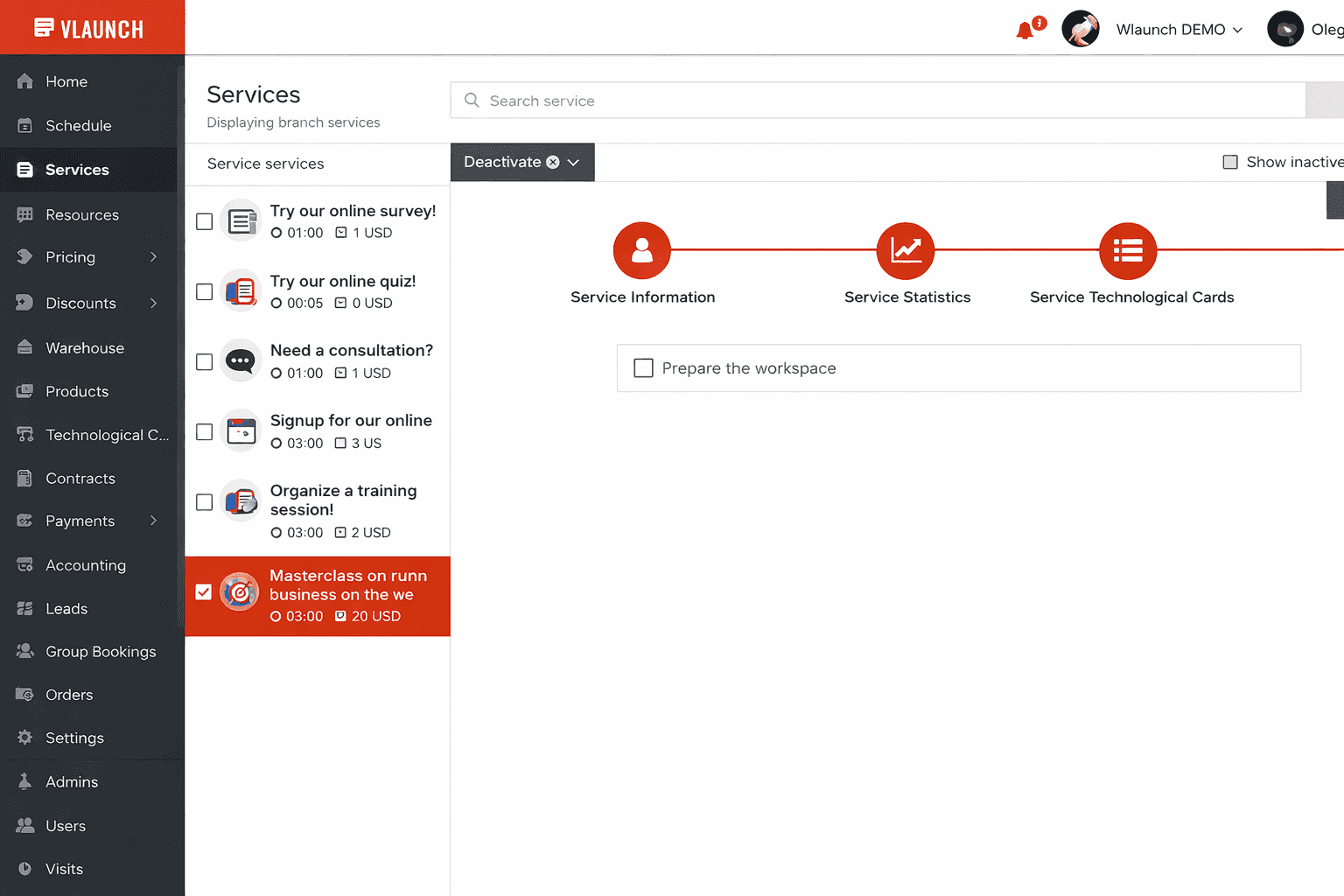
- Go to the service list
- Select or find the service
- In the Techmaps tab, mark the processes that apply
4 Verify the result
- On the schedule, select the specialist who provides the service from step 2
- Create and save an appointment with this service
- After saving, review the Consumable materials tab
- Adjustments to materials can also be made in this section if needed